Manage students, fees, teaching and reports in one school system.
Explore the tools for admissions, finance, academics, student portals and communication. Each team works from the same up-to-date school records.
Major features
The work schools ask about first, shown from the running product.
Start the school cleanly
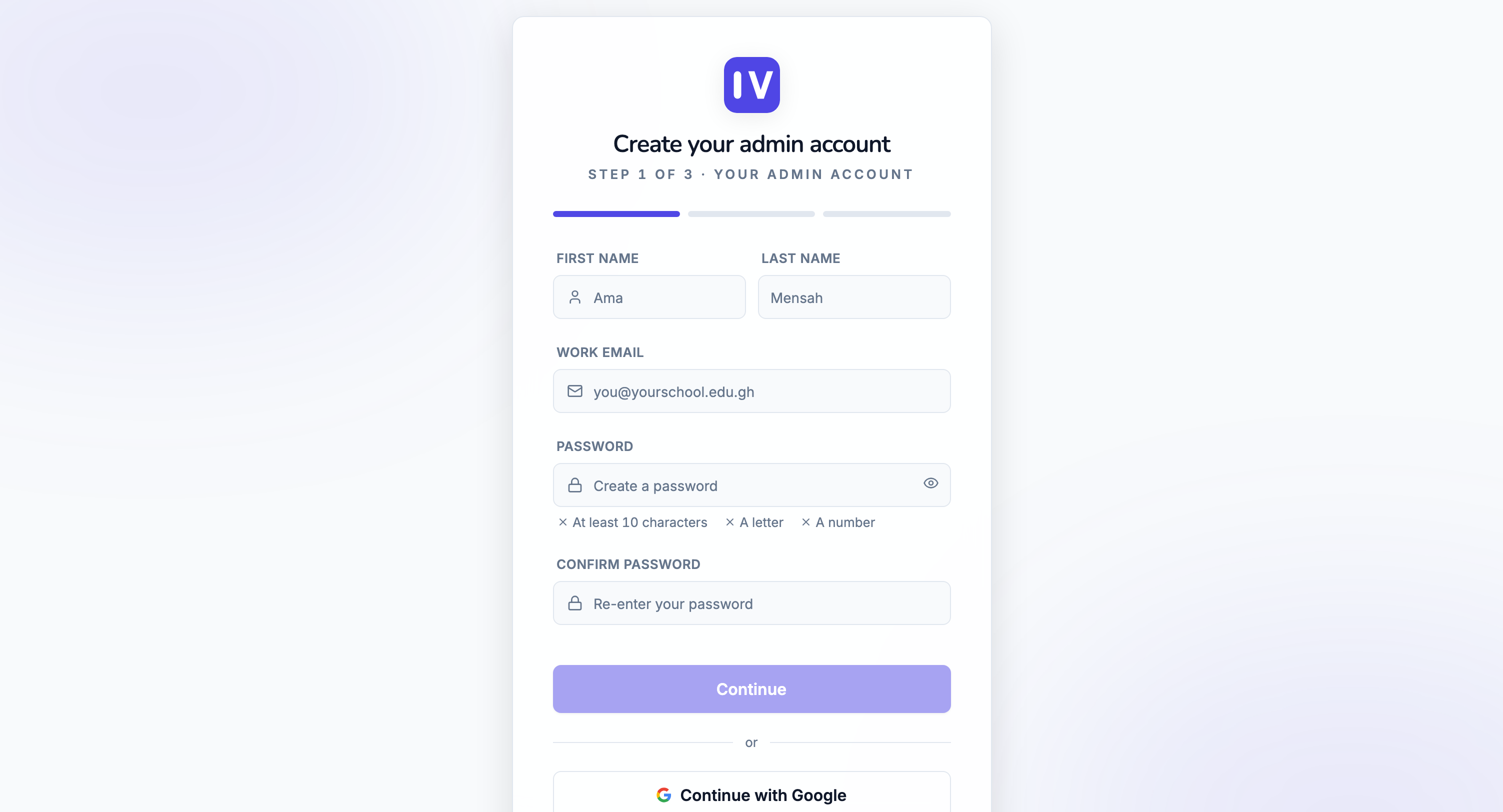
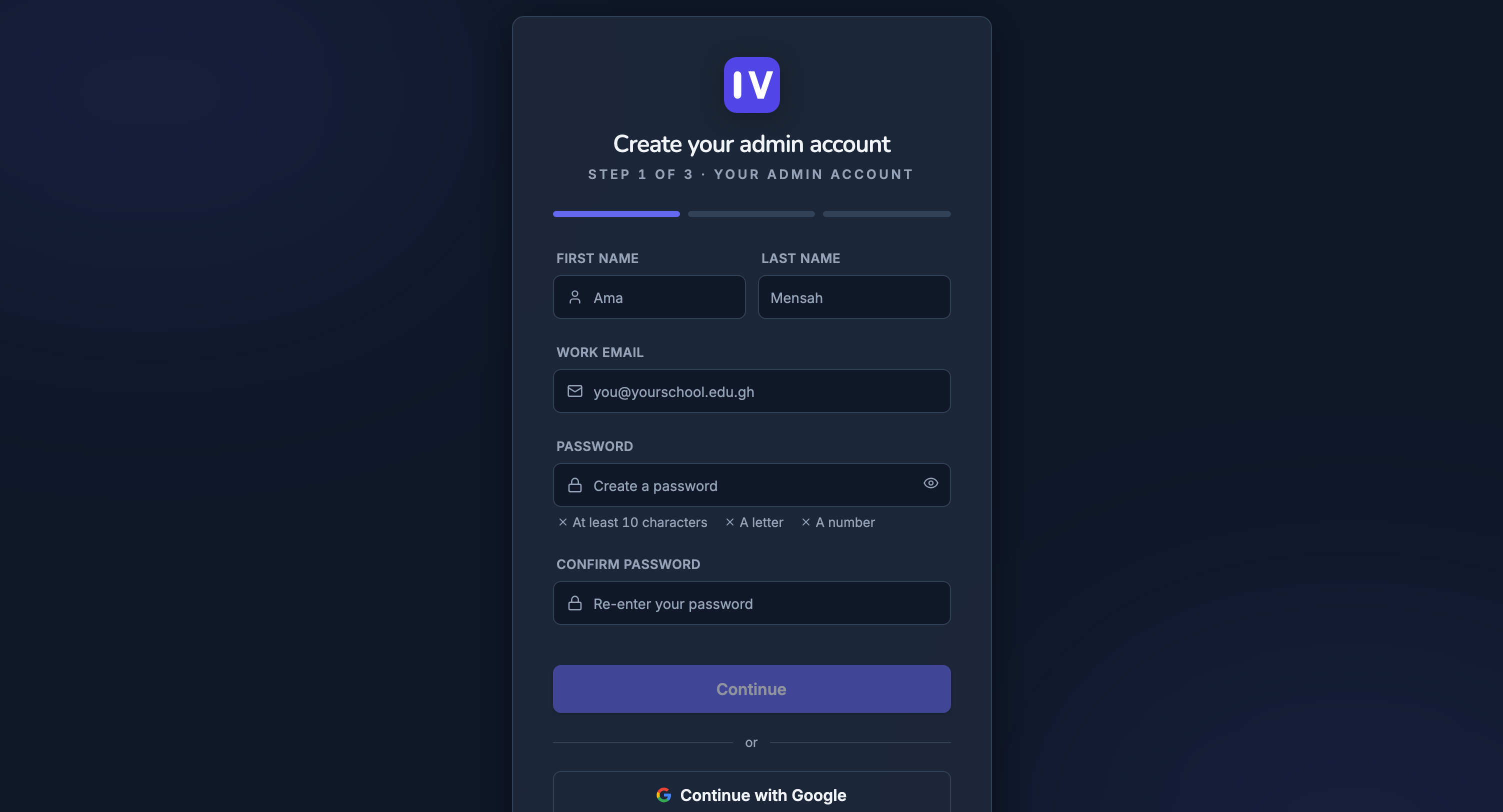
A new school can start from the web
Register the school, confirm the details and move into setup without waiting for a manual handoff.
Student records
One searchable profile per student with class, house, guardians, photo, status and academic year.
Staff and teachers
Invite staff, assign teachers to subjects and classes, and keep contact and role details current.
Classes, houses and terms
Set up KG, primary and JHS with school levels, classrooms, houses, school years and terms.
Promotion and alumni
Promote whole classes, withdraw leavers safely, and keep an alumni record after graduation.
Fees that always reconcile
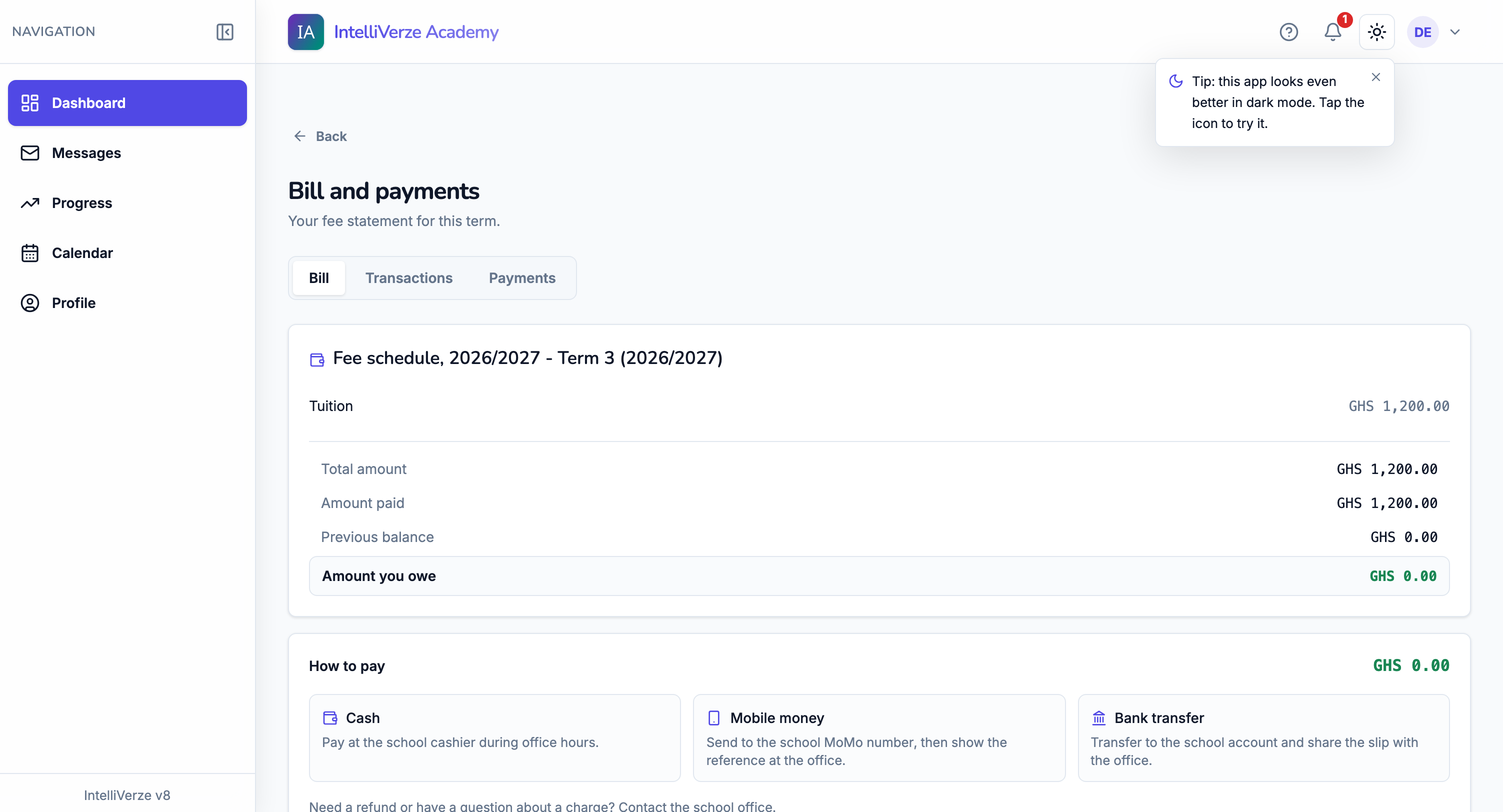
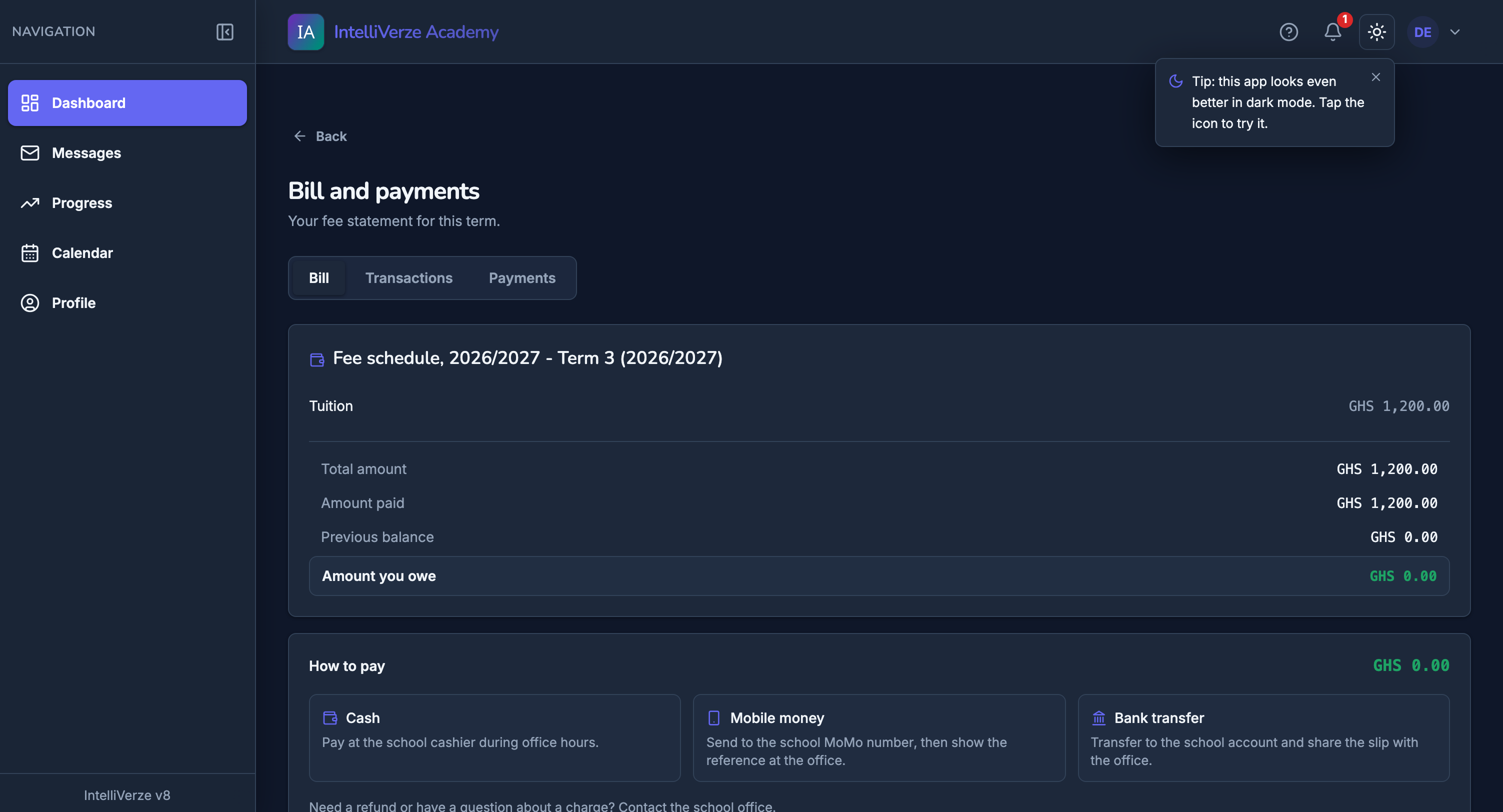
Parents and students can see the bill
The student portal shows fees, payments and how to pay, without opening private finance pages to everyone.
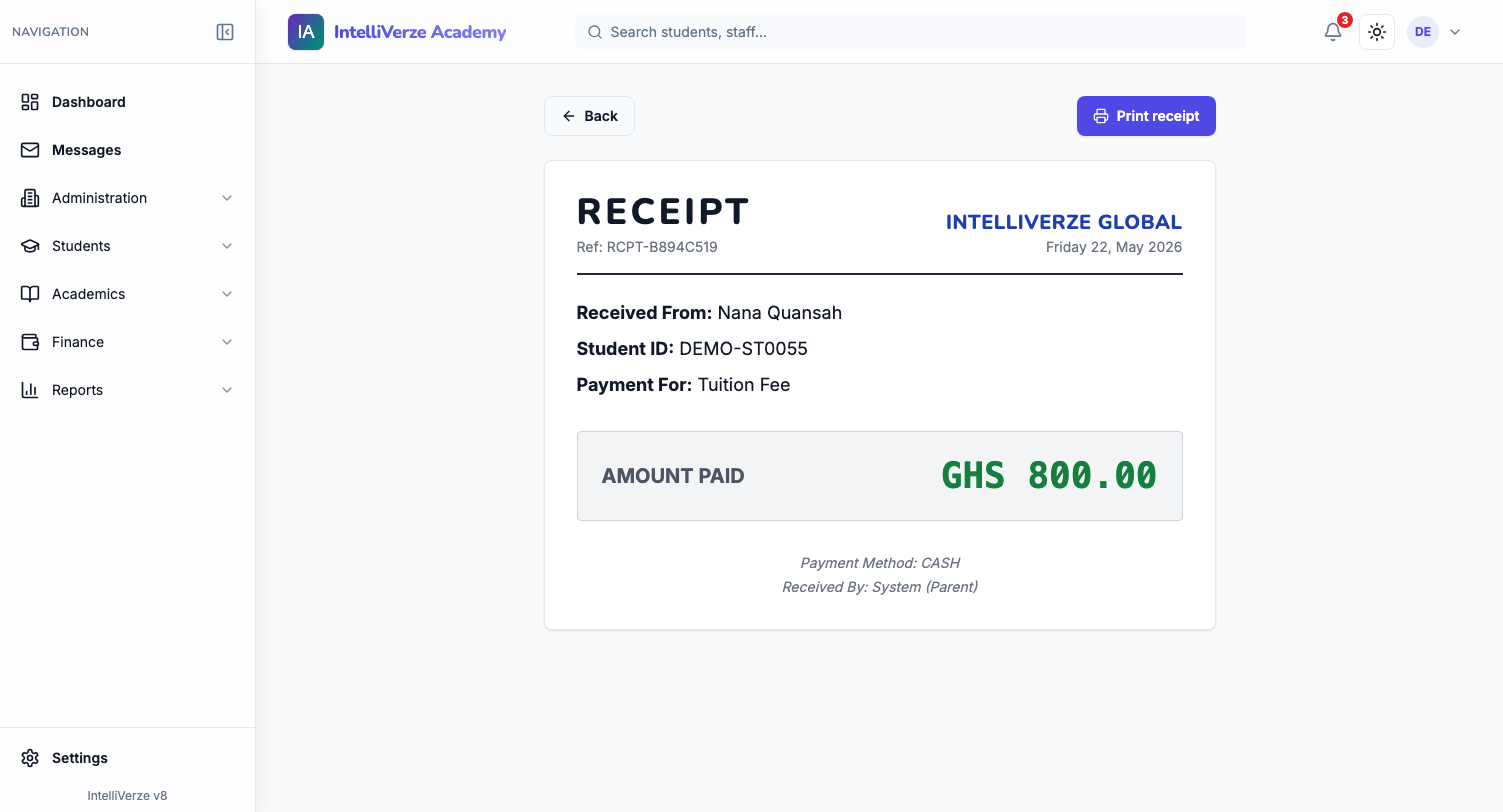
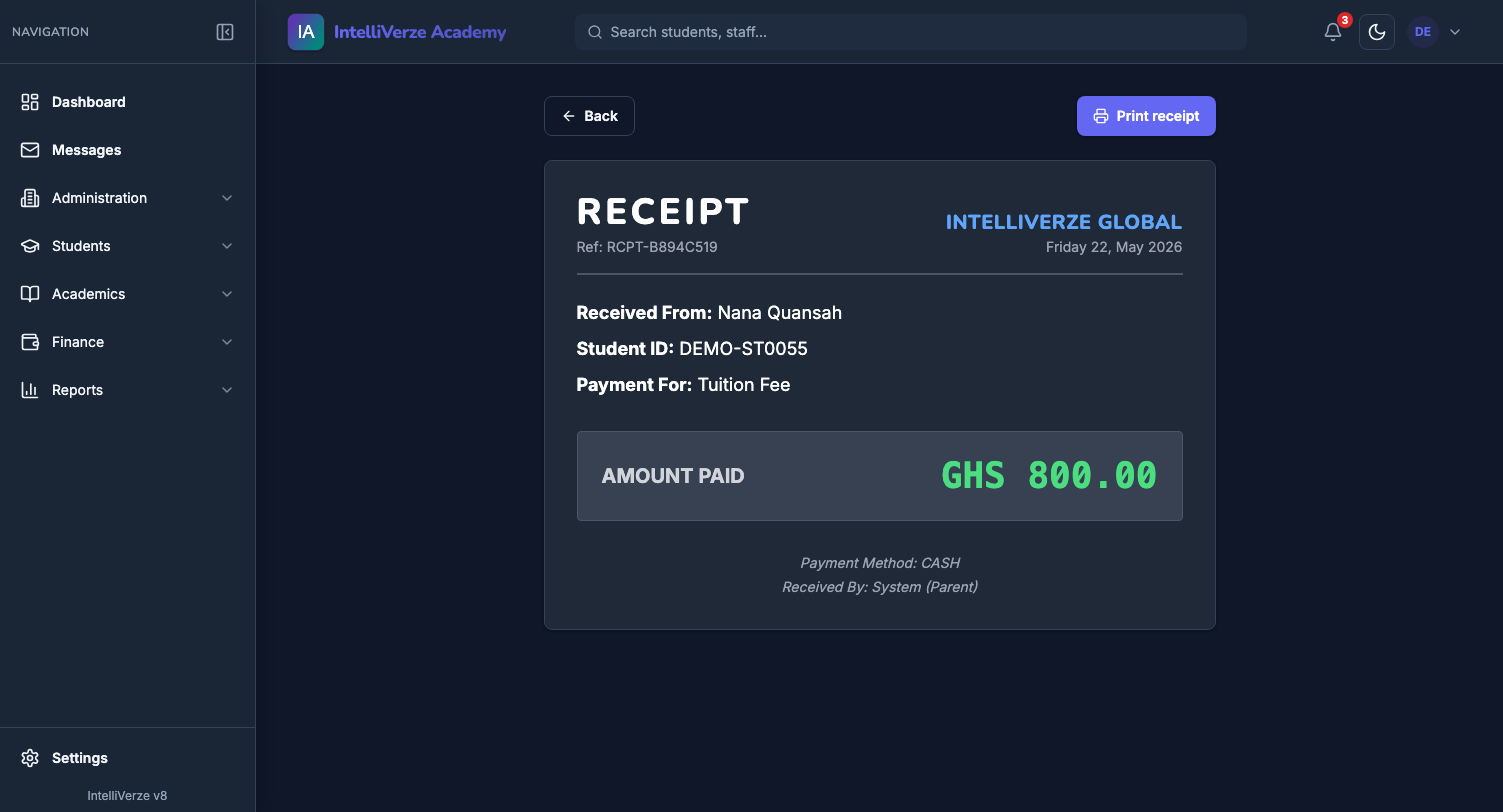
A receipt the moment money changes hands
Take a payment at the cashier’s desk and a numbered receipt is ready to print on your letterhead.
Billing & payments
Create bills by class or line item, take cashier payments and issue receipts instantly.
Debtors and creditors
See who owes what, track overpayments, and run daily payment and bank-deposit reports.
Scholarships
Apply percentage or fixed-amount awards that credit the right balance automatically.
Fees continue into the next term
Carry unpaid balances into the next term and keep each student’s fee record exact.
From assessment to report card
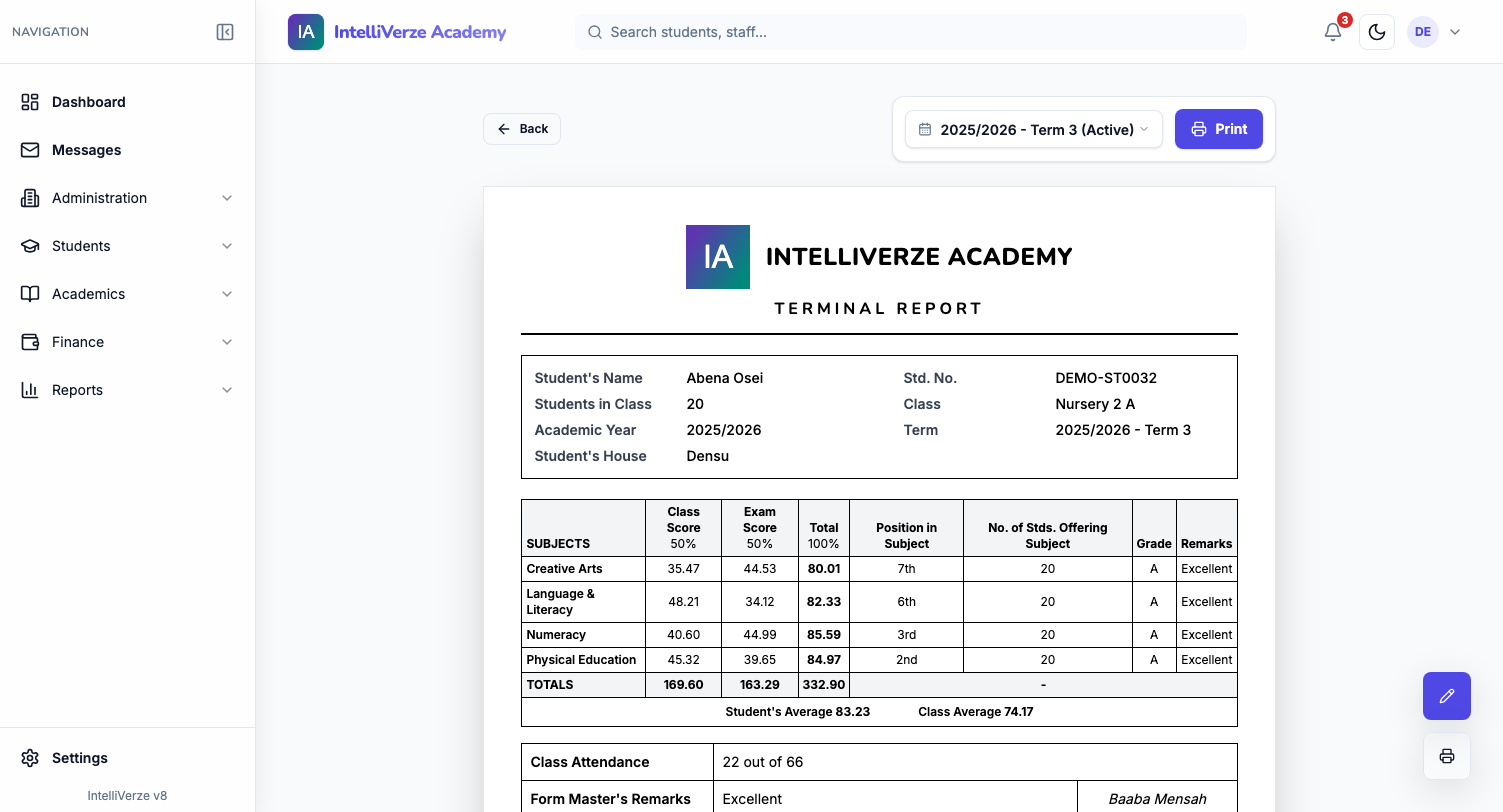
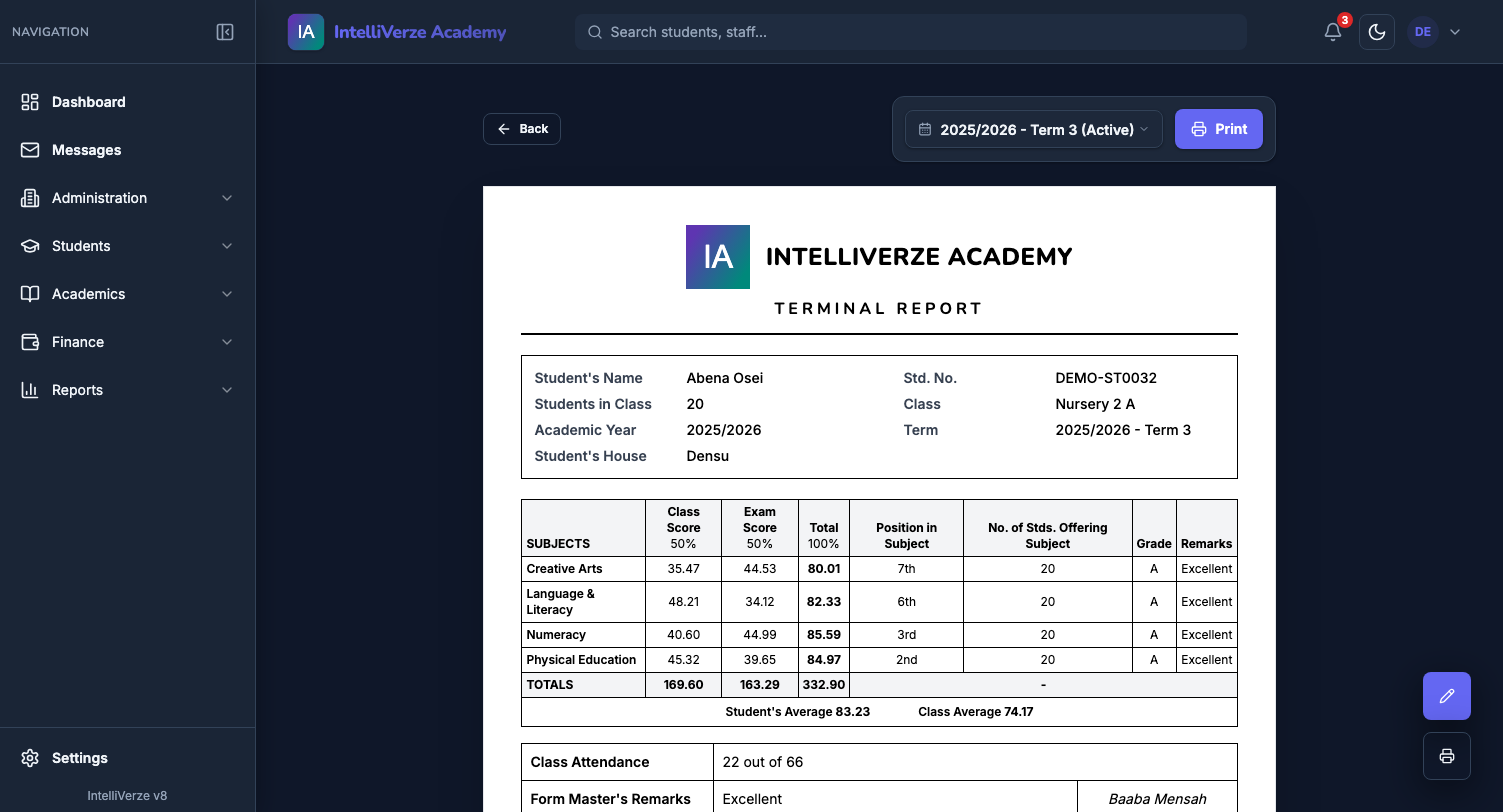
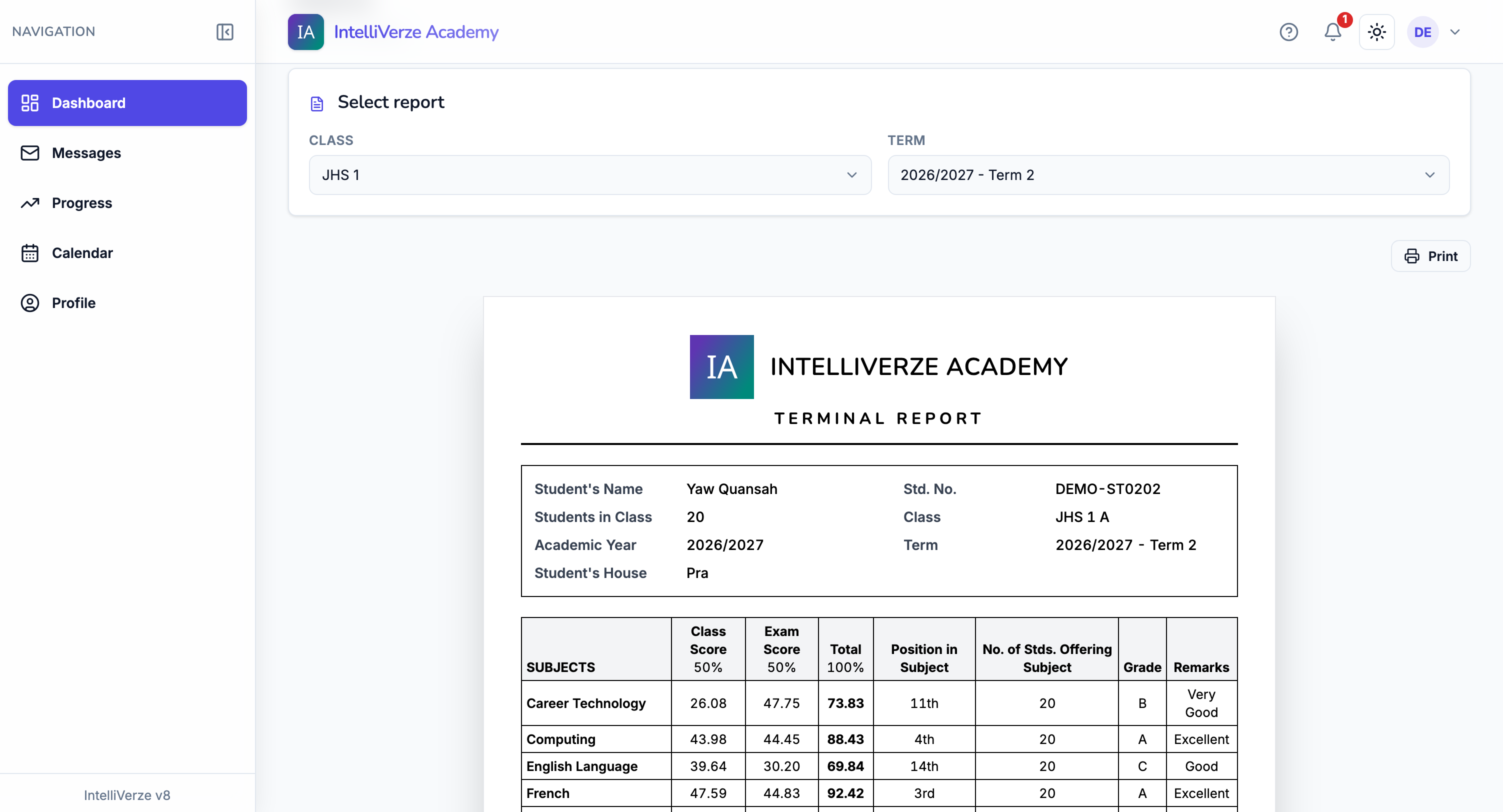
Report cards your teachers are proud to hand out
Enter scores once and the term’s report cards build themselves: totals, grades, positions and remarks.
Released results show in the portal
Students see only the reports and results leadership has released, with a route to request corrections.
Gradebooks
Teachers enter assessments against your grade scales; admins keep an oversight view.
Report cards & broadsheets
Generate report cards, class broadsheets and positions, with configurable remarks.
Report fix requests
Students can ask for a correction, and the school keeps a clear record of what changed.
Timetables and attendance
Build timetables, give teachers their own schedule, and record daily attendance.
Teaching continues online
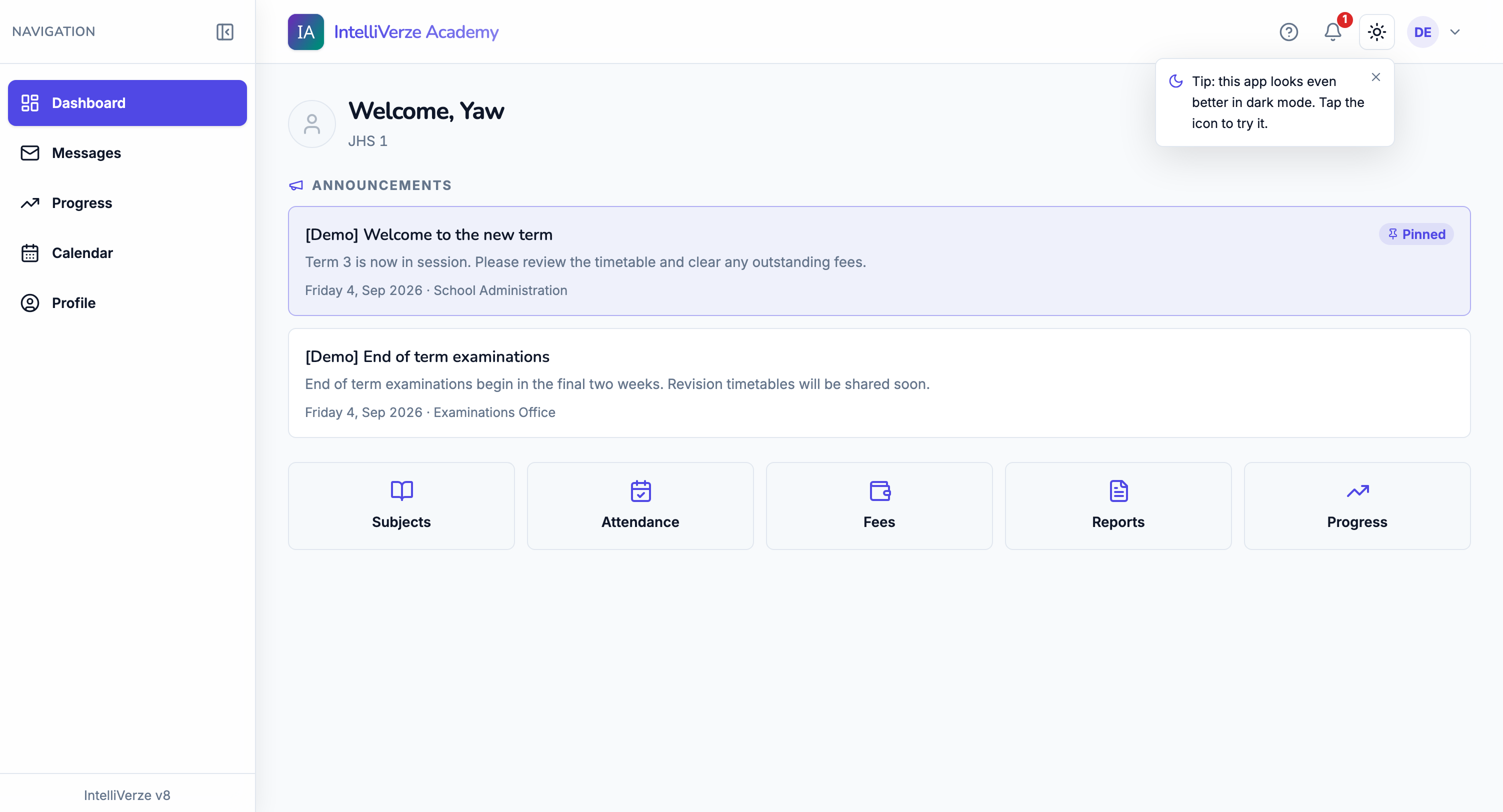
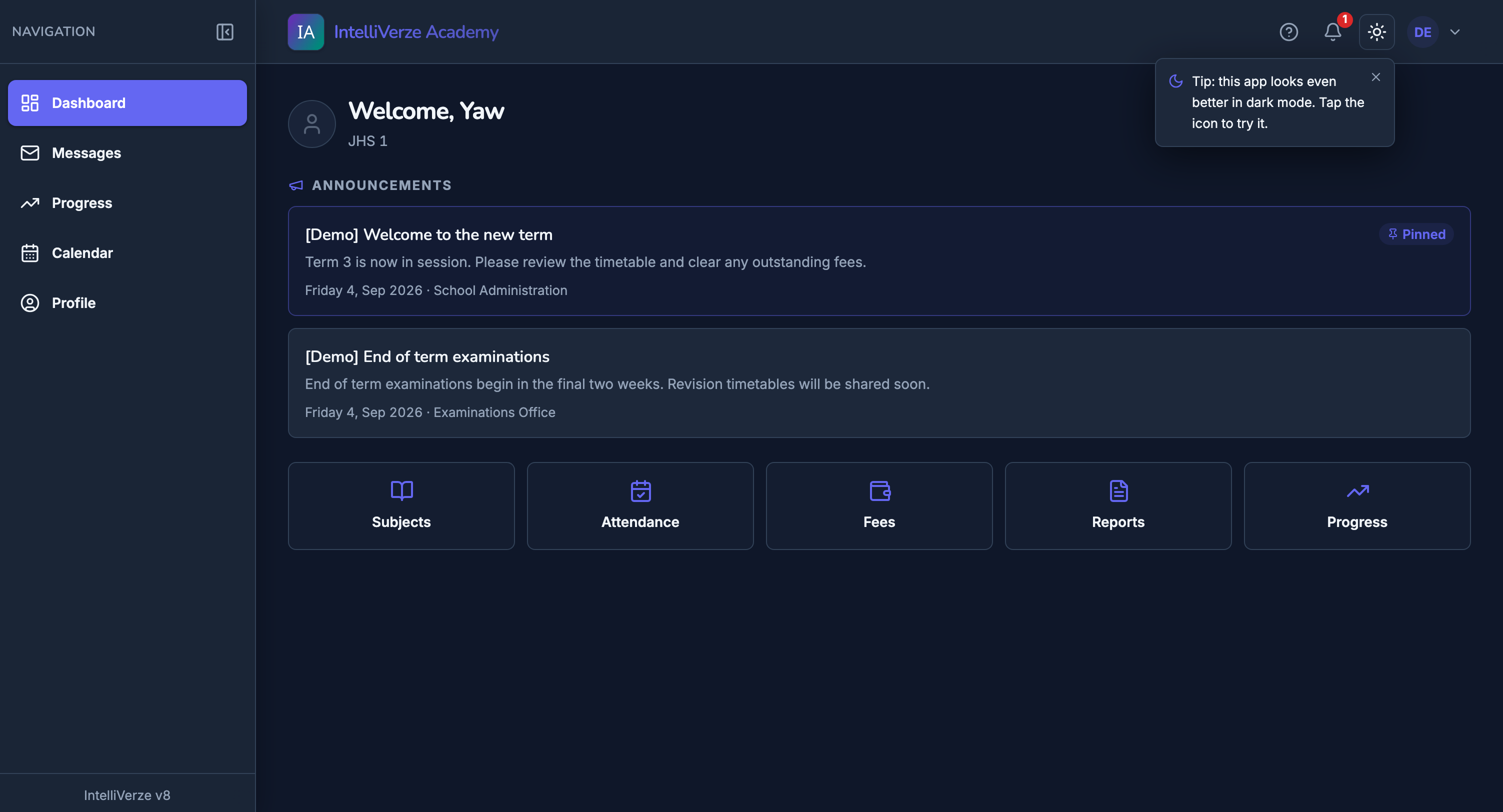
A portal for the school day
Students see announcements, due work, attendance, fees, reports, progress and their subject pages from one dashboard.
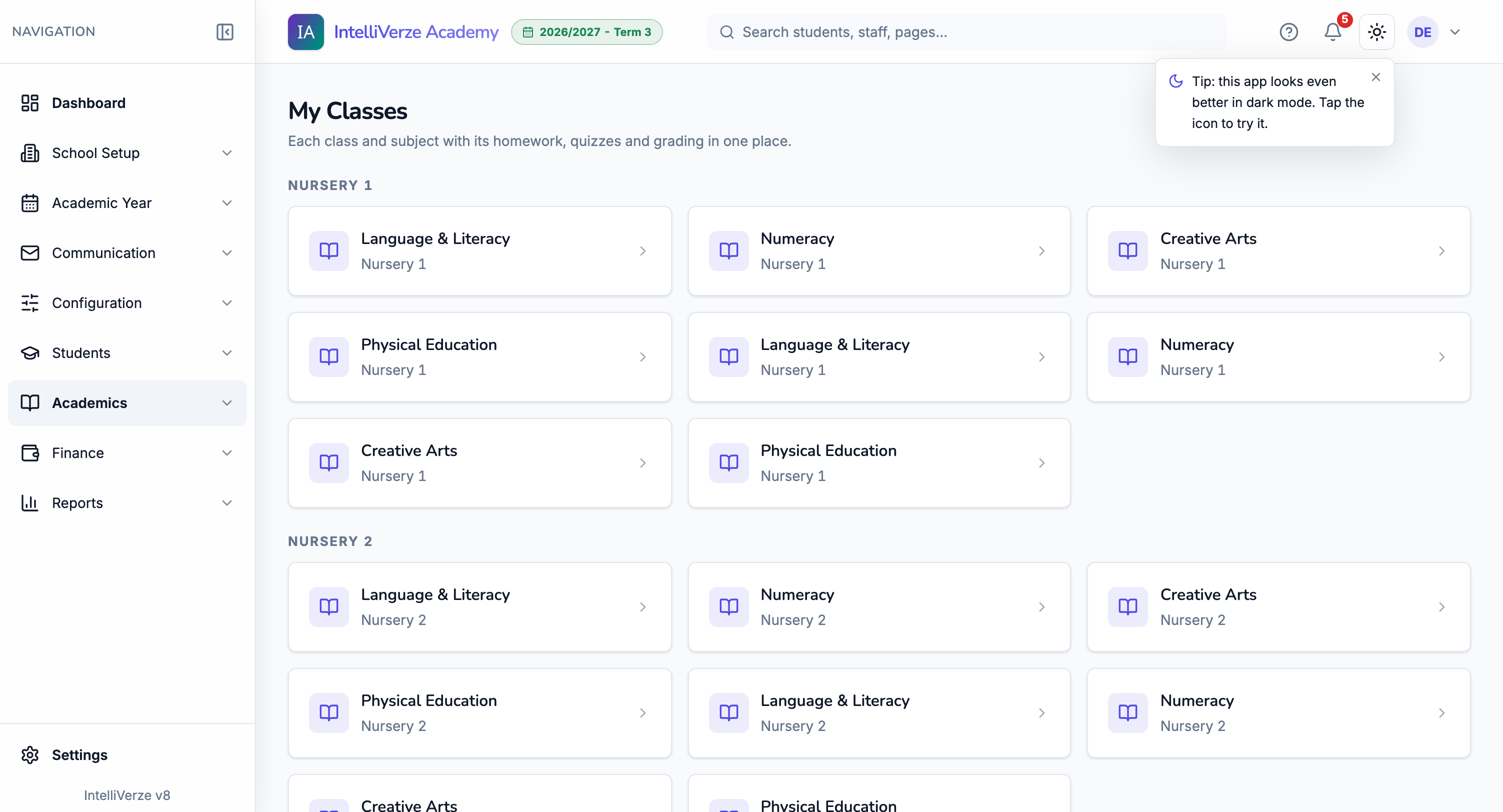
Virtual classroom, coursework and quizzes
Each class subject carries resources, assignments, quizzes and grading in one place for teachers and learners.
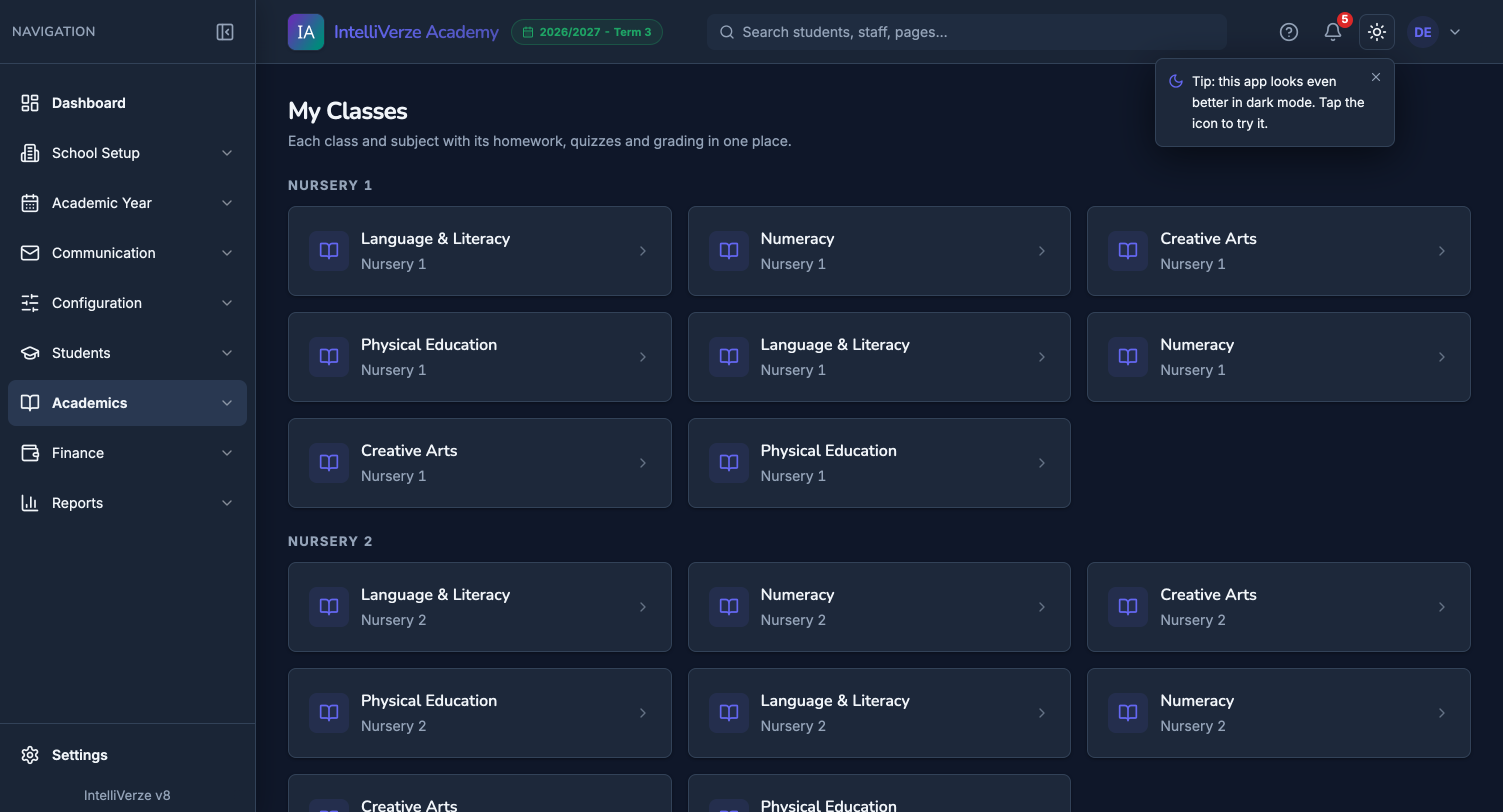
Quizzes built for real classrooms
Question navigation, answer tracking, late rules, grading and review are handled inside the same school workspace.
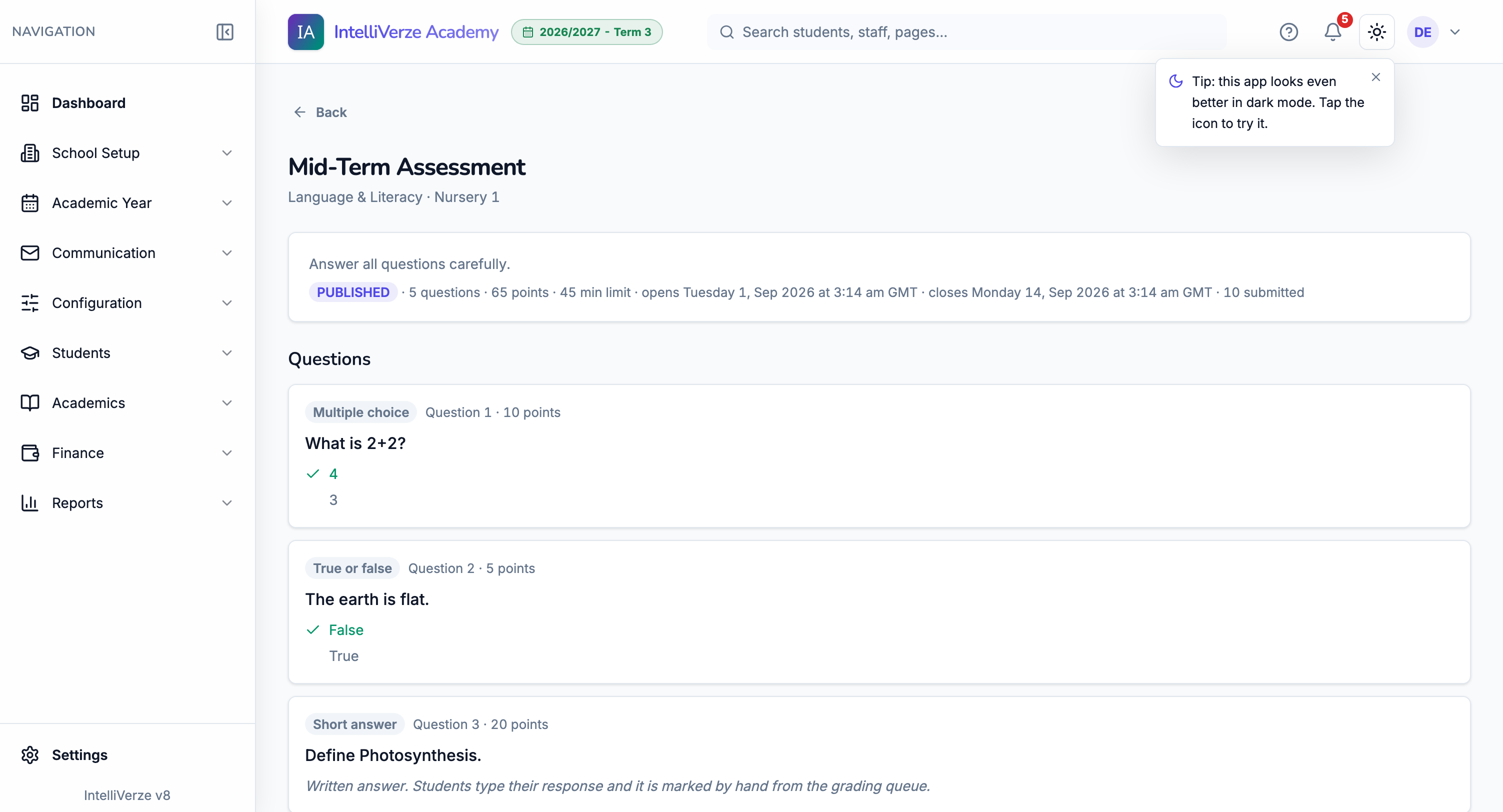
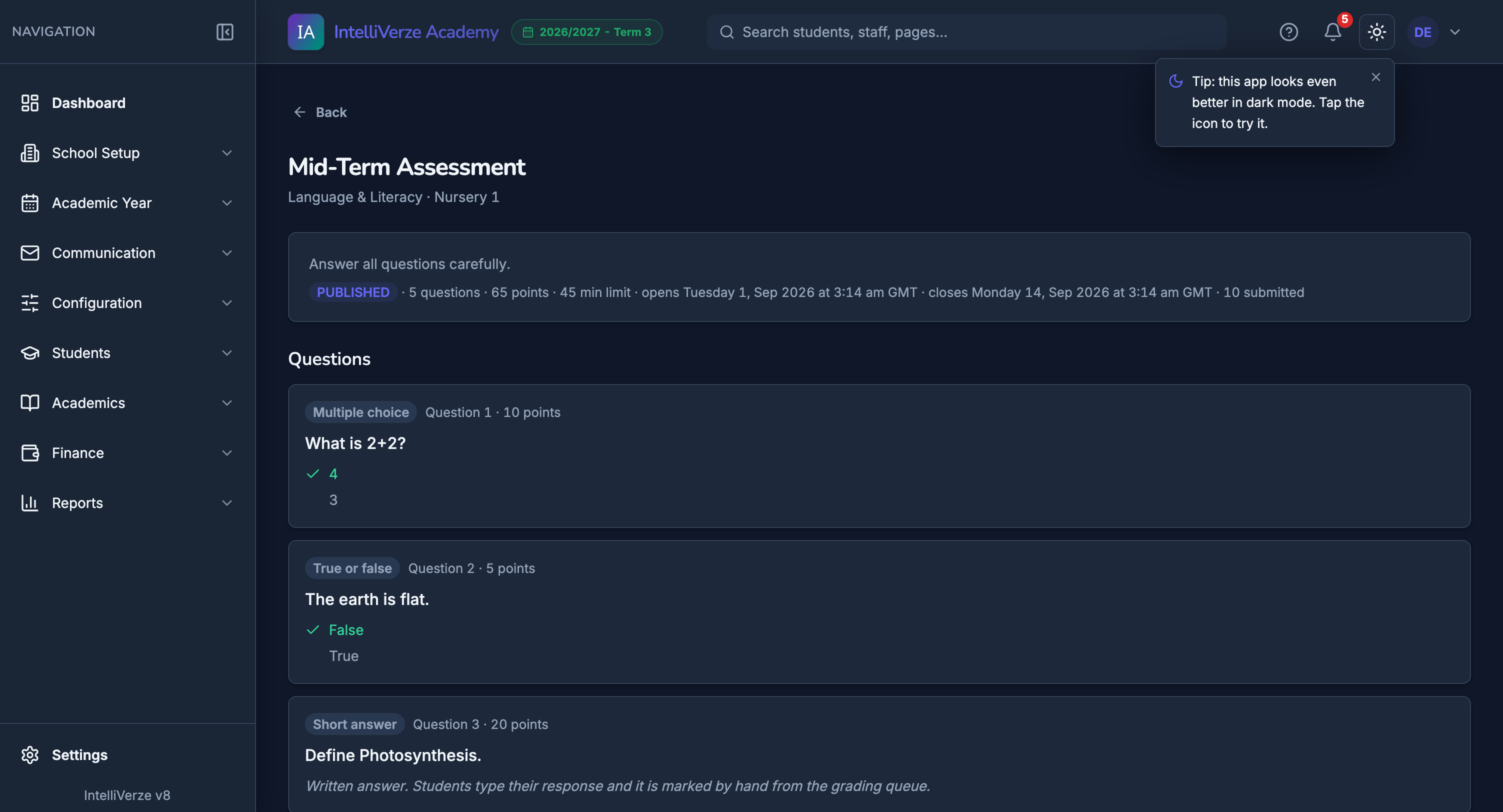
Class resources
Share notes, links and files inside the class subject students already know.
Coursework
Set class work, receive submissions and keep scores in the same subject space.
Quizzes
Build quizzes, collect answers and review student work inside the same school workspace.
Student and guardian portal
Students and guardians can follow term progress without reopening private admin pages.
Communication and leadership oversight
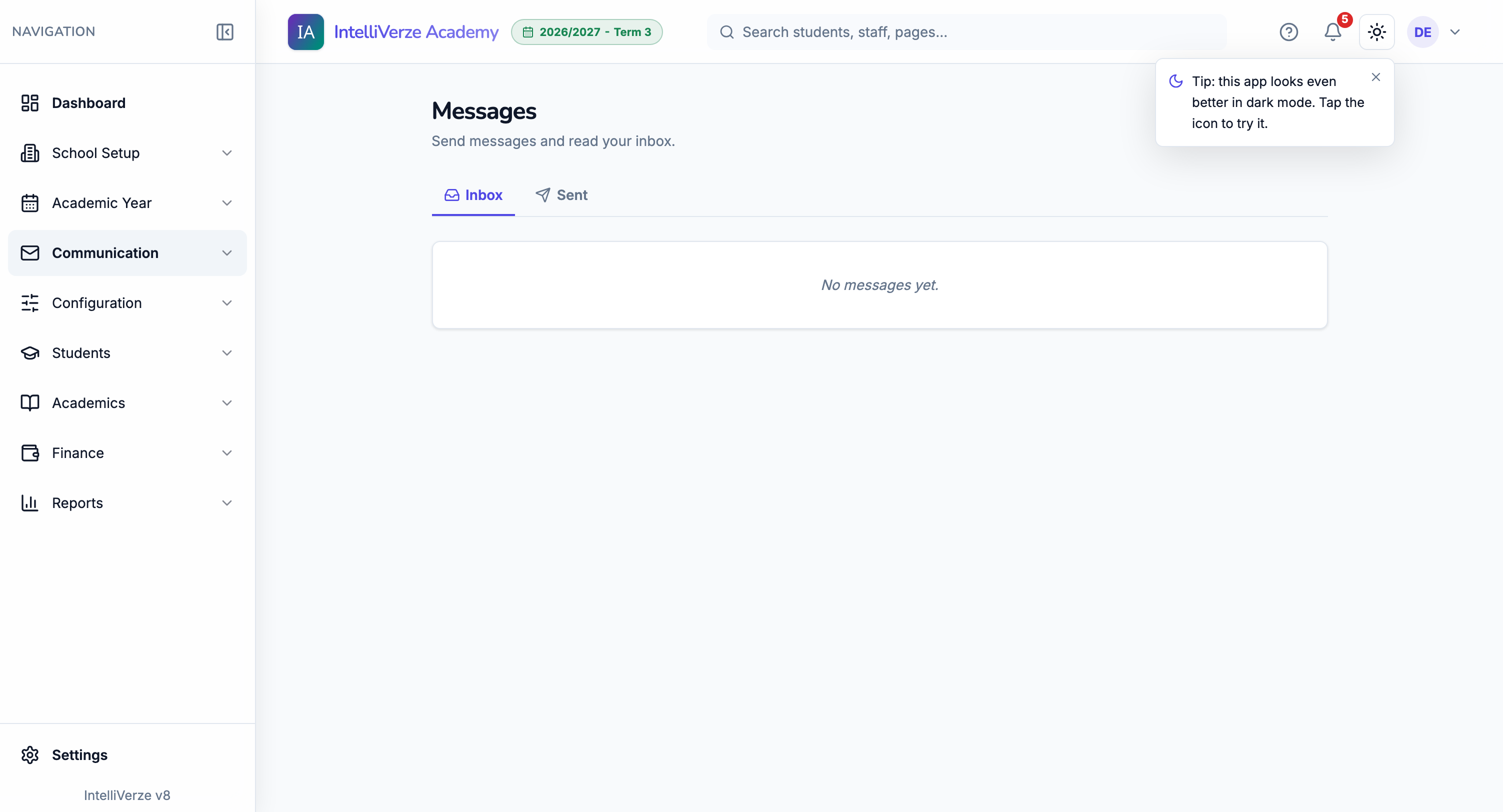
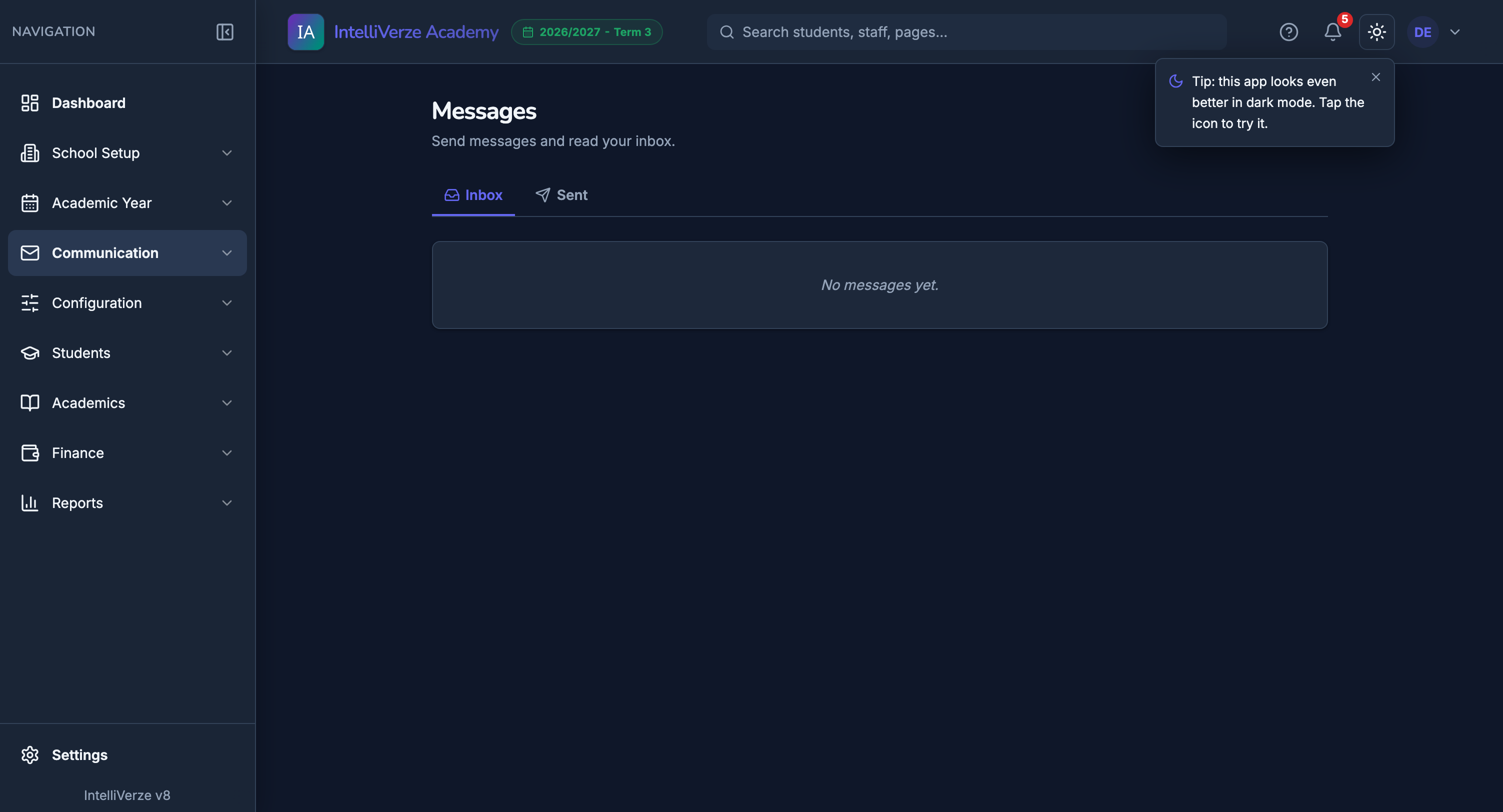
Messaging, announcements and SMS
Send school notices, keep an inbox, and trigger guardian SMS for payment and results events.
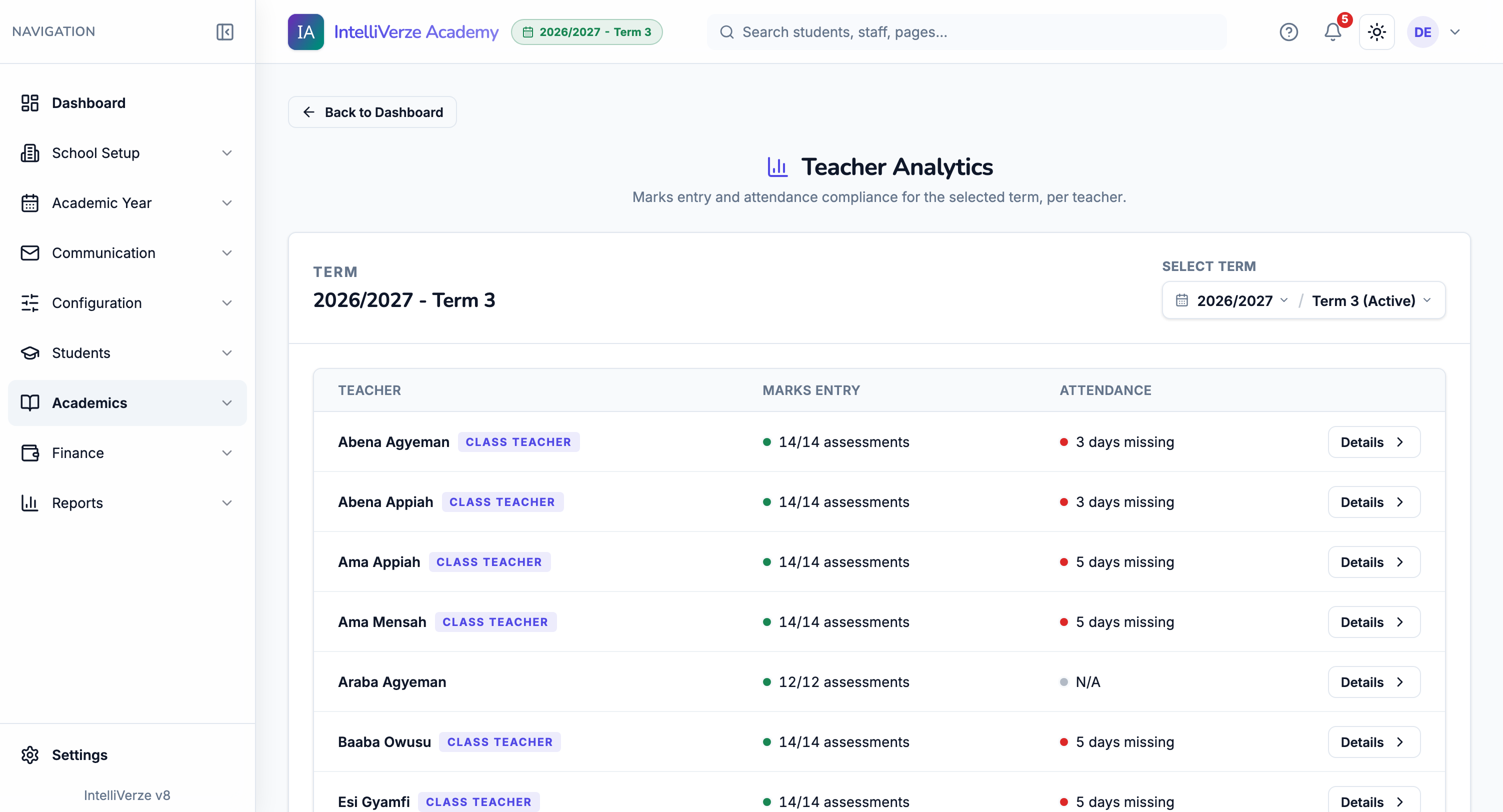
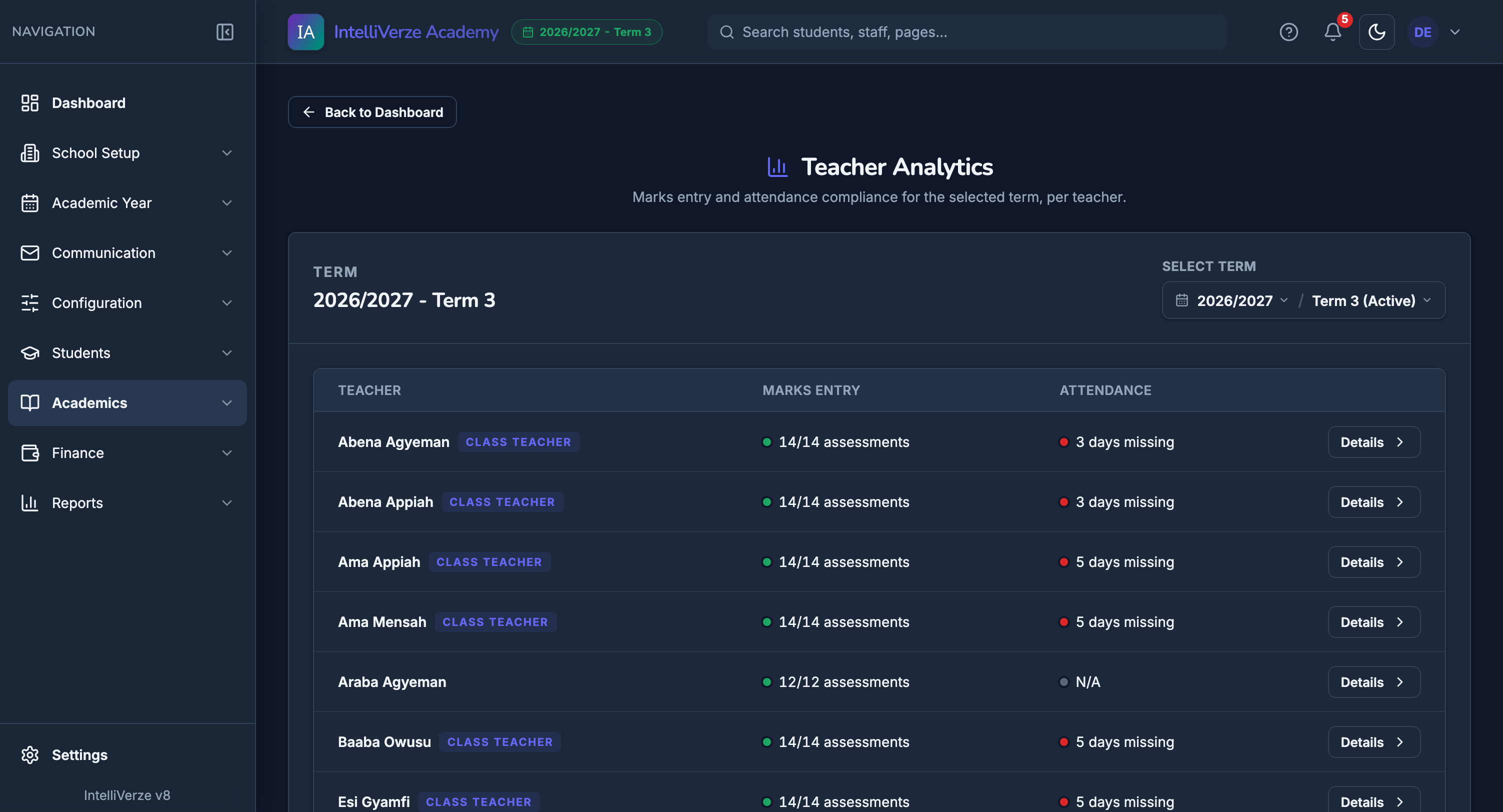
Teacher progress without chasing spreadsheets
Leadership can see marks-entry and attendance compliance by teacher for the selected term.
Messages
Send group or class messages and keep the communication history in the system.
Announcements
Send notices to the school, students and staff.
Teacher progress
See marks and attendance progress by teacher, class and term.
Population statistics
Give school leaders a clear read on enrolment, class sizes and operational reports.
Keep school records private
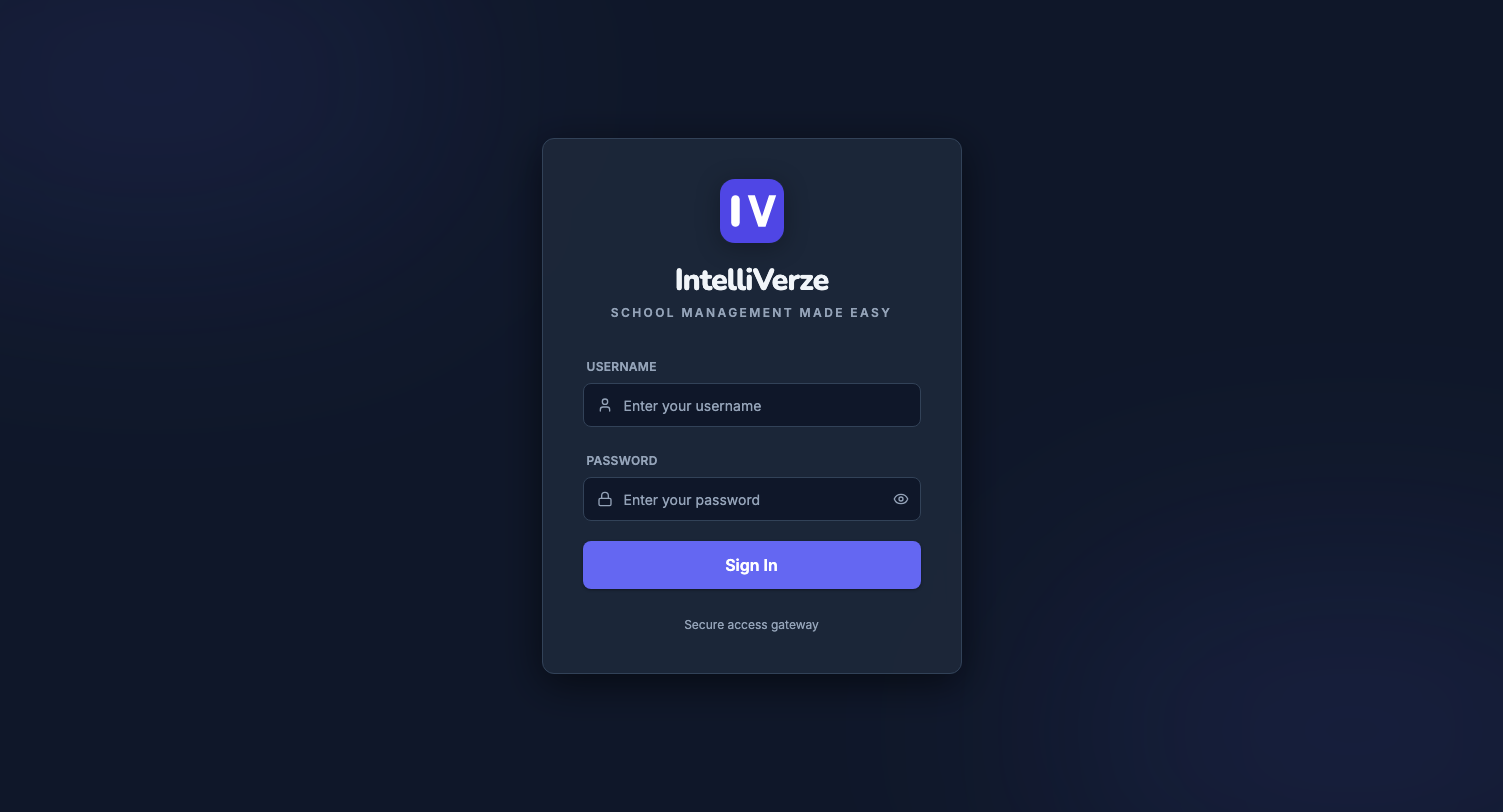
One sign-in, one view per role
A cashier sees fees, a teacher sees their classes, and each person gets only the access their work requires.
The right view for each staff member
A cashier works with fees, while a teacher works with classes and marks.
Your school records stay private
Your school’s records belong to your school. Other schools and their staff cannot see them.
Behind-the-scenes controls
School accounts, billing and activity are managed carefully without disturbing daily school work.
Simple billing
Registration is free for 14 days, then billing starts when the school continues using live records.
See everything IntelliVerze includesOpen the full inventory when you want the detailed checklist behind the major modules.
School setup
- free school registration
- school profile
- academic years and terms
- class levels
- classrooms
- houses
- subjects
- grade scales
- remarks configuration
- teacher deadlines
- guided page tours
Students and staff
- admissions records
- student photos
- student ID numbering
- guardian details
- bulk student actions
- class assignment
- promotion manager
- withdrawn and expelled statuses
- alumni records
- staff invites
- student portal logins
Finance
- class bills
- bill items
- cashier payments
- numbered receipts
- student fee records
- debtors
- creditors
- daily payments report
- bank deposits
- scholarships
- unpaid balances carried forward
- student fee statements
Academics and reports
- assessment setup
- teacher gradebook
- admin gradebook
- broadsheets
- report cards
- batch report printing
- result release
- report correction requests
- bulk remarks
- student progress
- teacher progress checks
Classroom and communication
- attendance register
- admin attendance review
- academic calendar
- student calendar overlays
- timetable builder
- teacher timetable
- virtual class stream
- resources
- assignments
- quizzes
- messages
- announcements
- guardian SMS
- notifications center
Security and platform
- secure sign-in
- extra account protection
- different staff views
- strong access controls
- private school workspace
- important action history
- simple subscription setup
- 14-day free setup
- school account management
- user access management
- billing overview
- activity reports
- regular data protection
- reliability monitoring
See how it works for your school
We’ll show you how your classes, fees and reports fit into IntelliVerze.