School Administrator
See the whole school clearly.
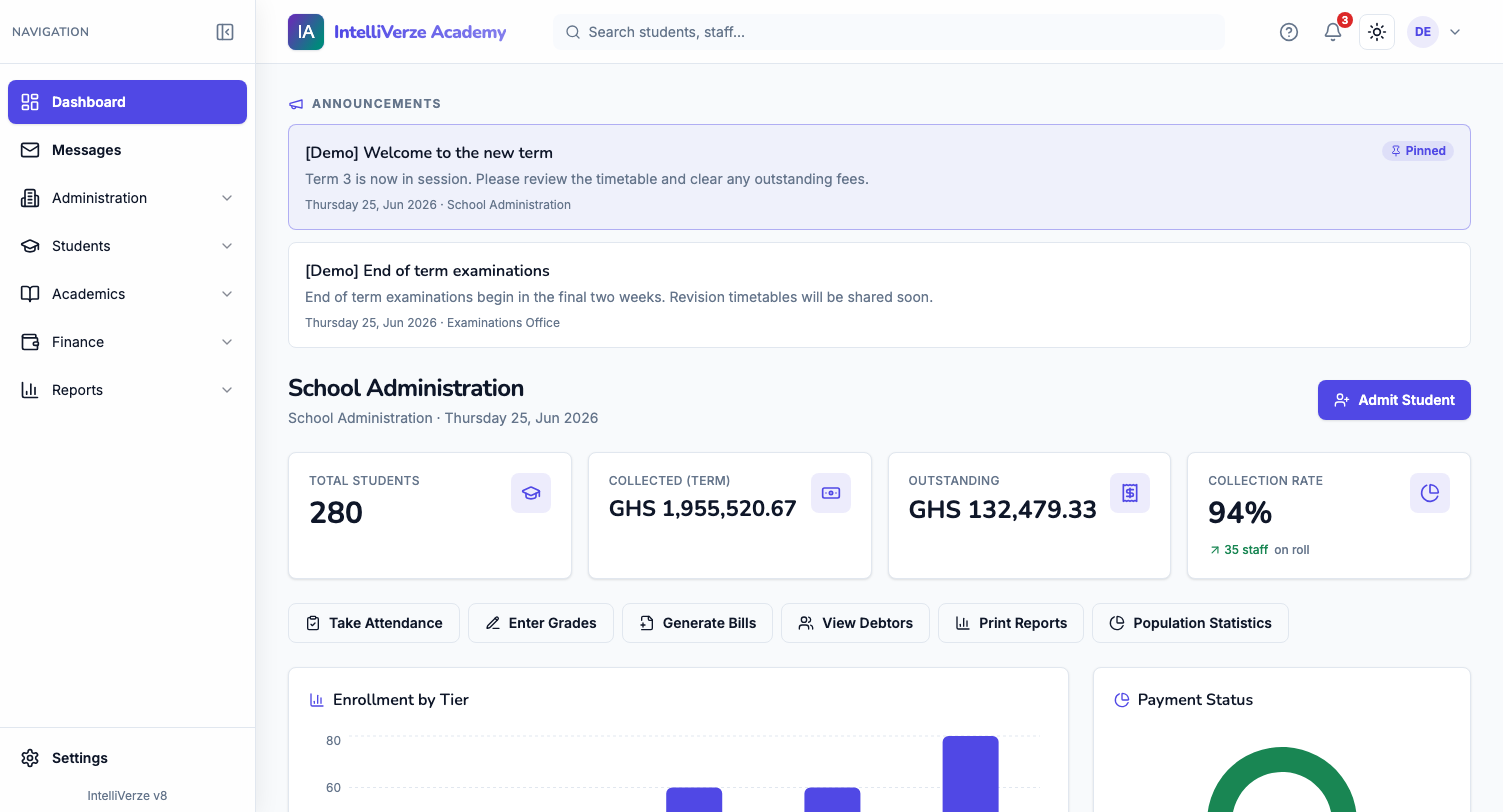
Students, staff and school records together in one everyday view.
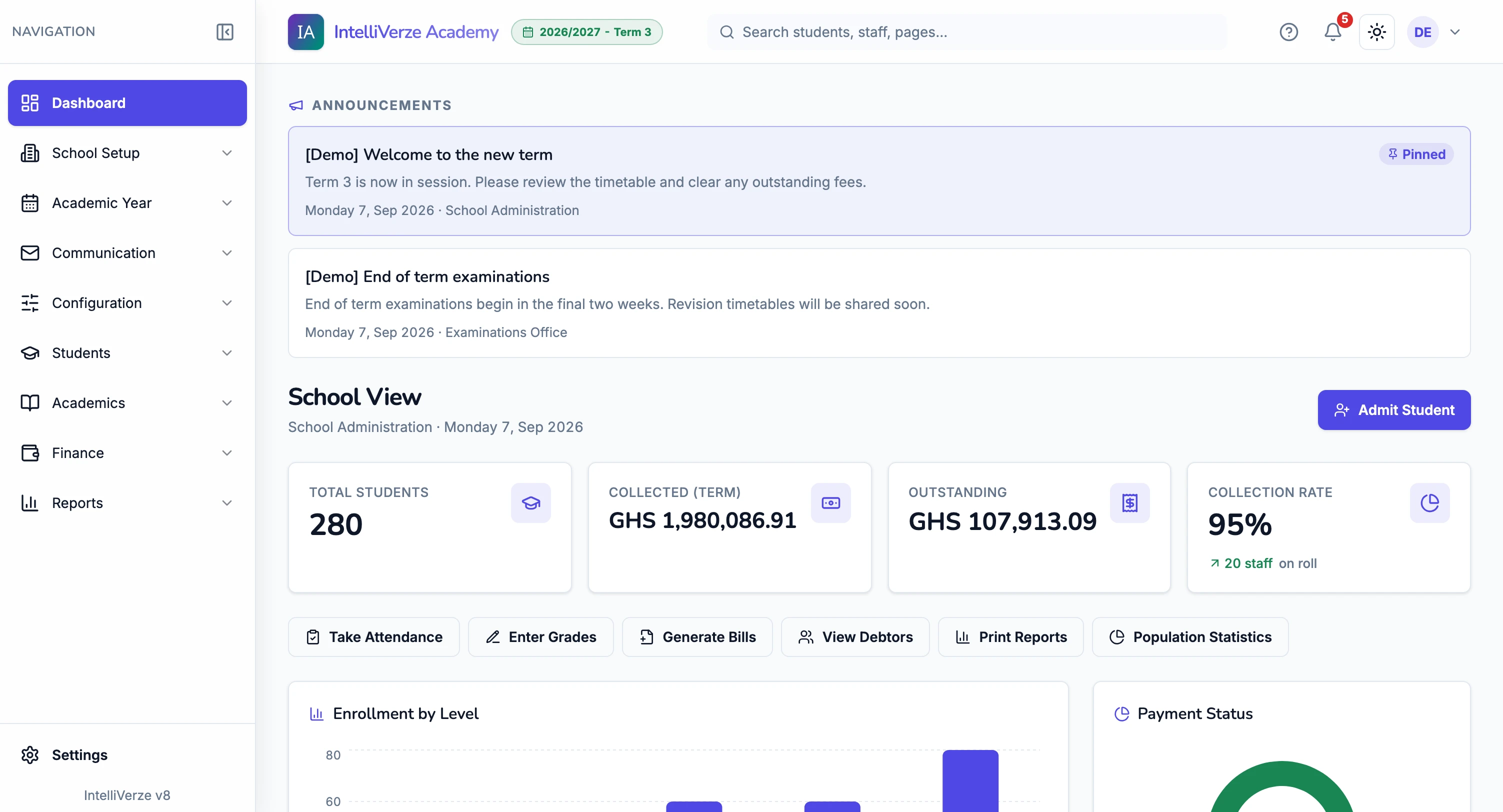
One place for fees, report cards, attendance, timetables, admissions and the whole term.
Keep student records, collect fees, mark attendance, enter marks, print reports and send school messages from one place.
Registration is free for 14 days. Pay per student each term after the free period.
Compare the school views below and see the work each role can manage.
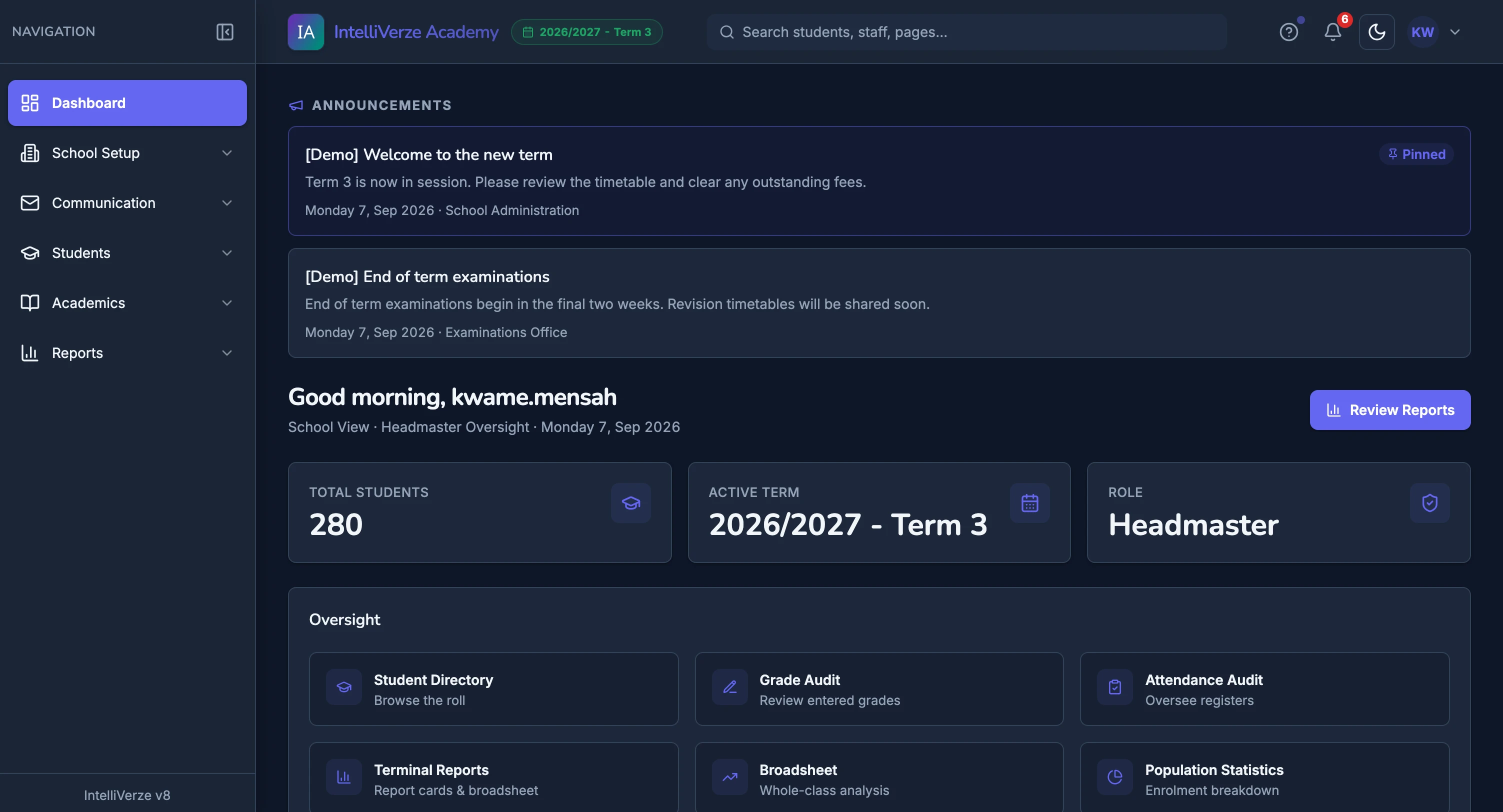
School Administrator
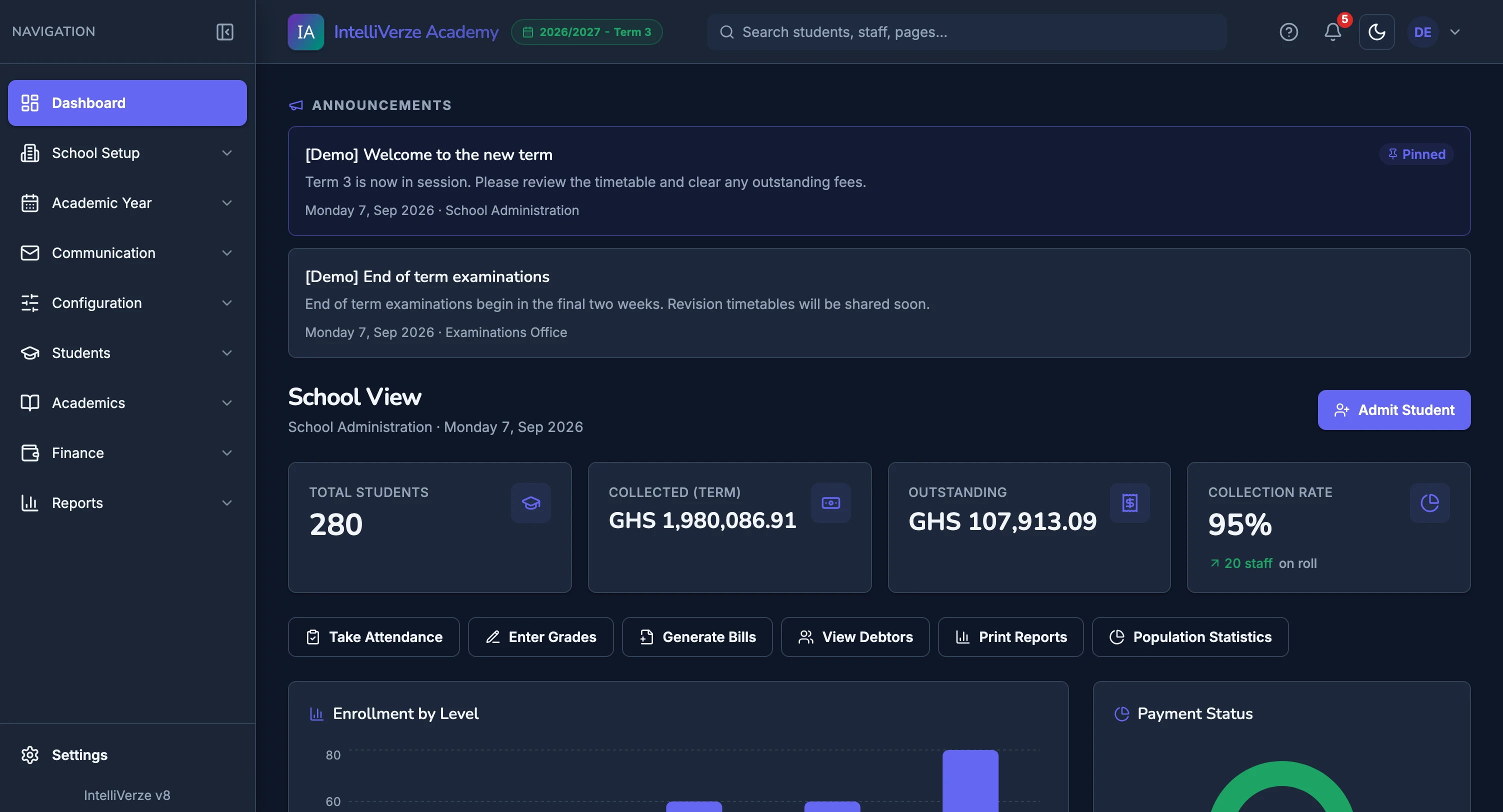
Students, staff and school records together in one everyday view.
Headmaster
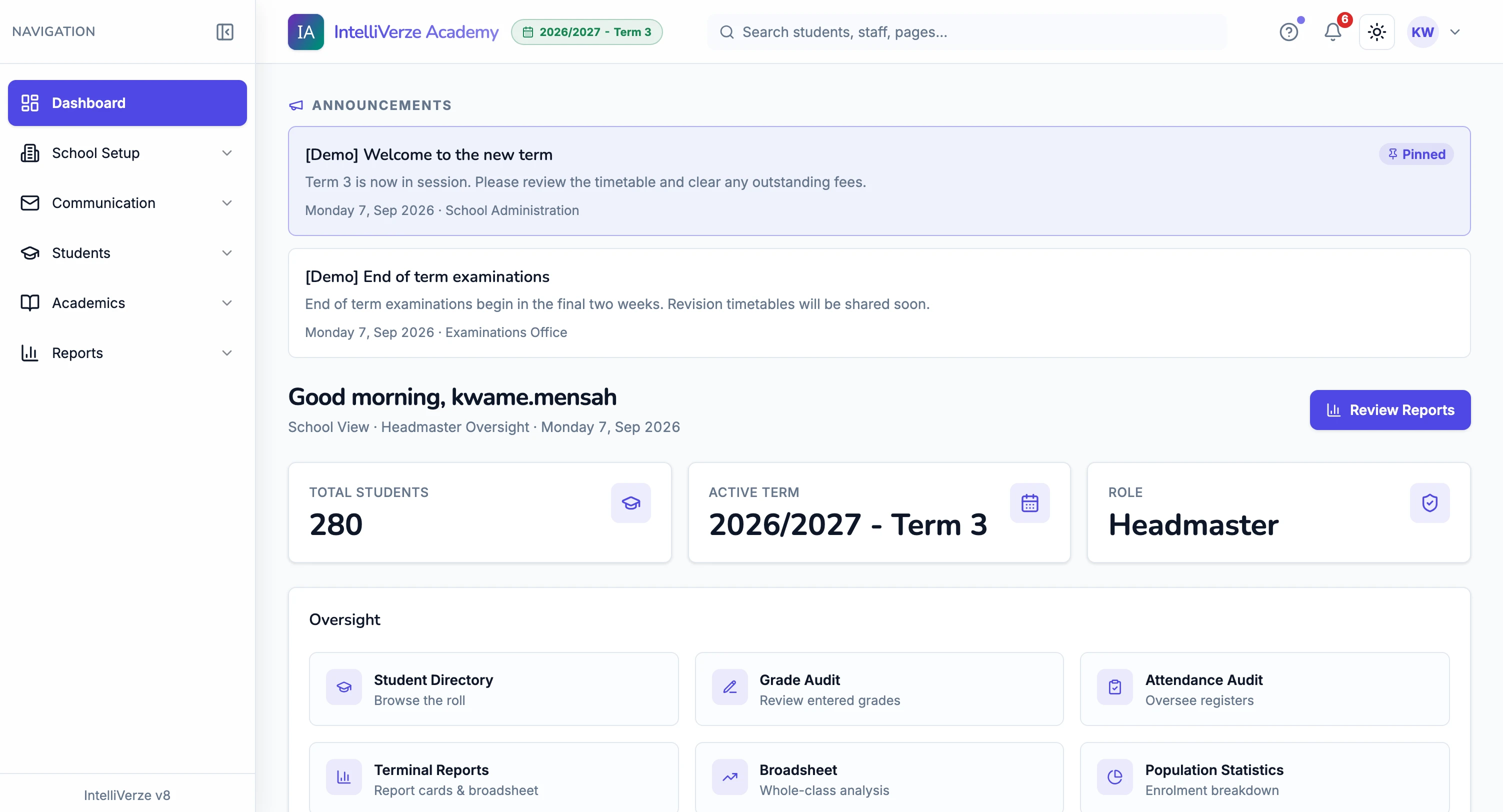
Follow attendance, school activity and the work moving the term forward.
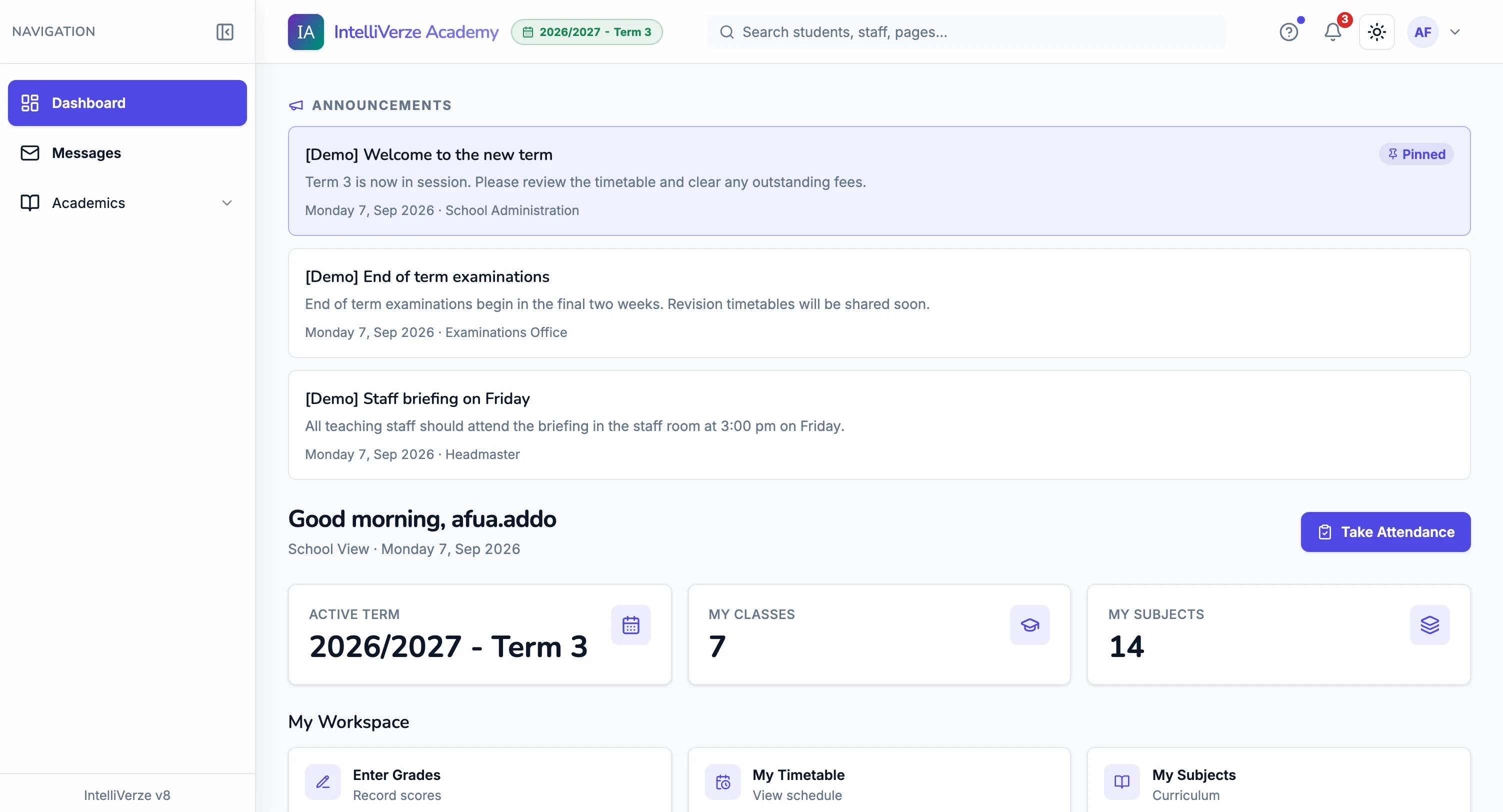
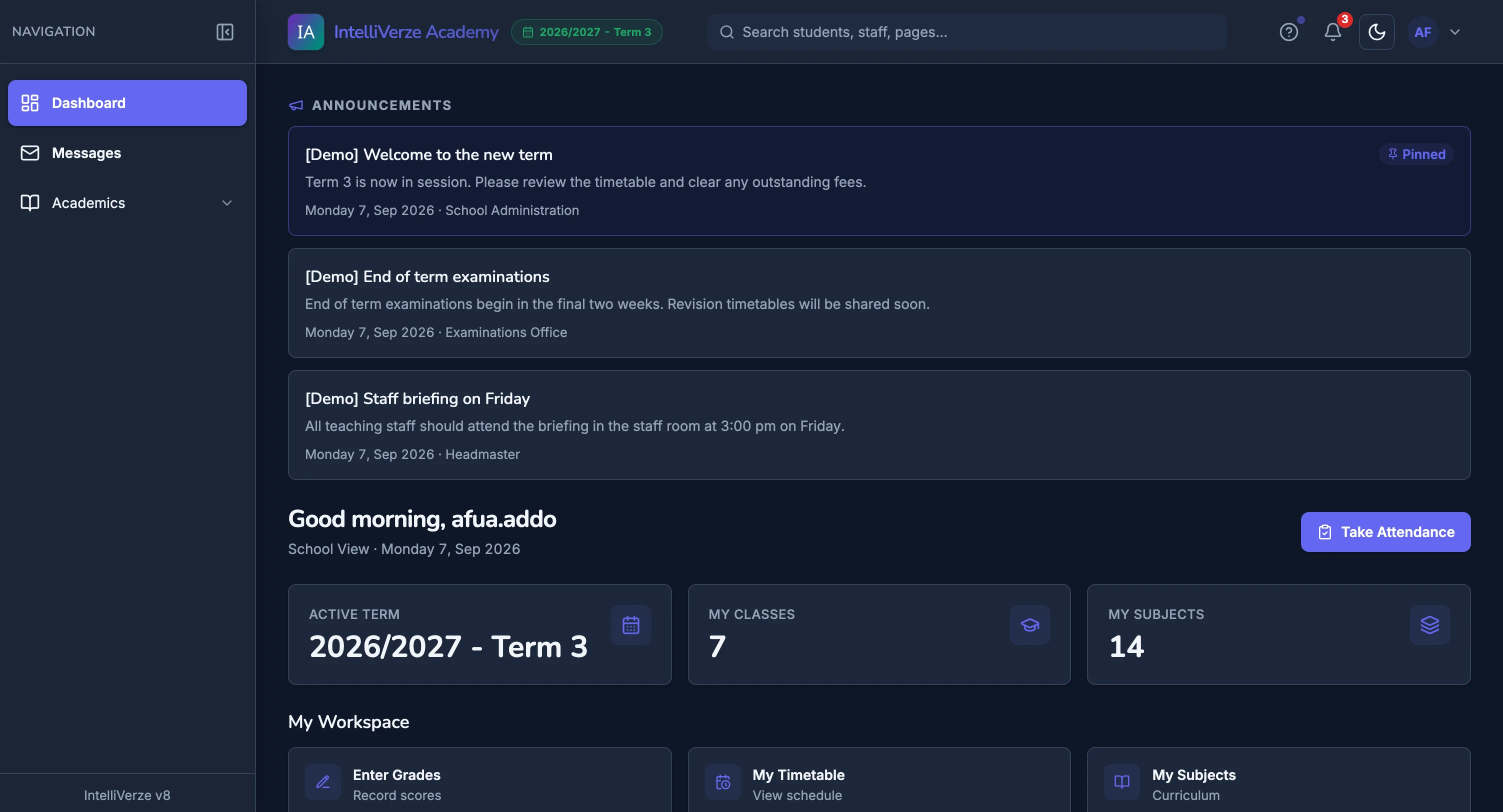
Teacher
Your classes, attendance and teaching tools on one dashboard.
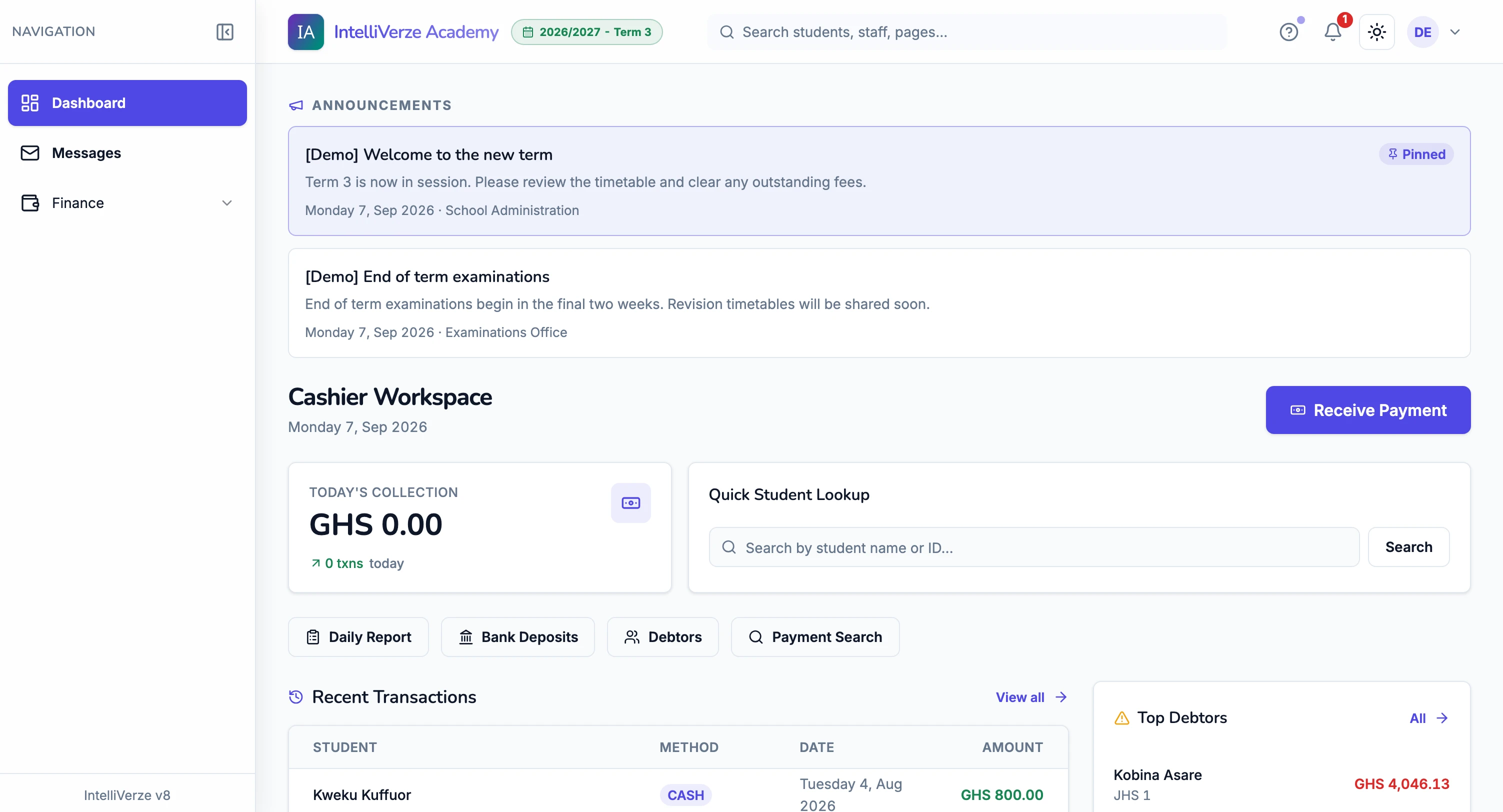
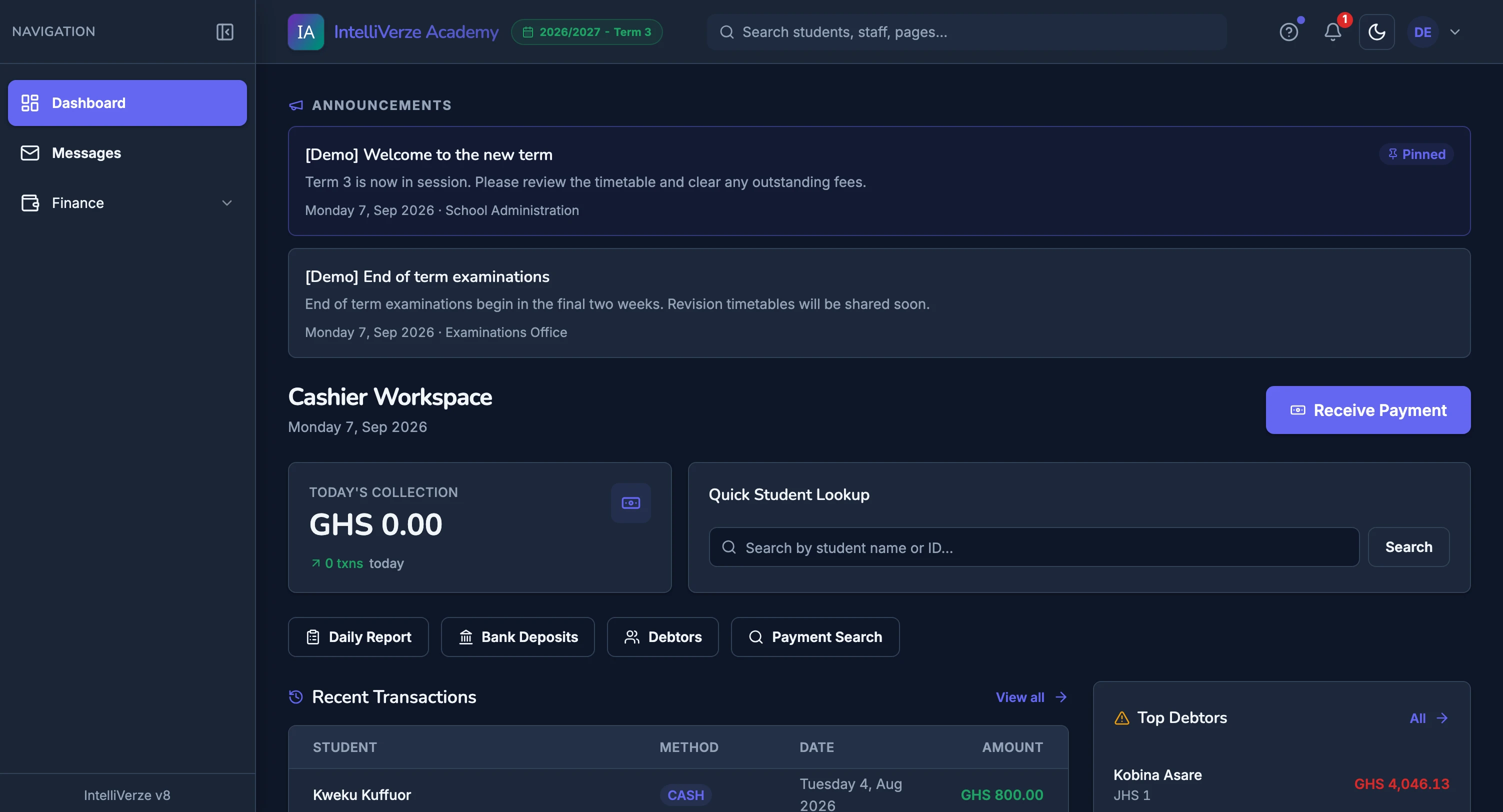
Cashier
Follow what has come in and what is still owed, with the next payment a few clicks away.
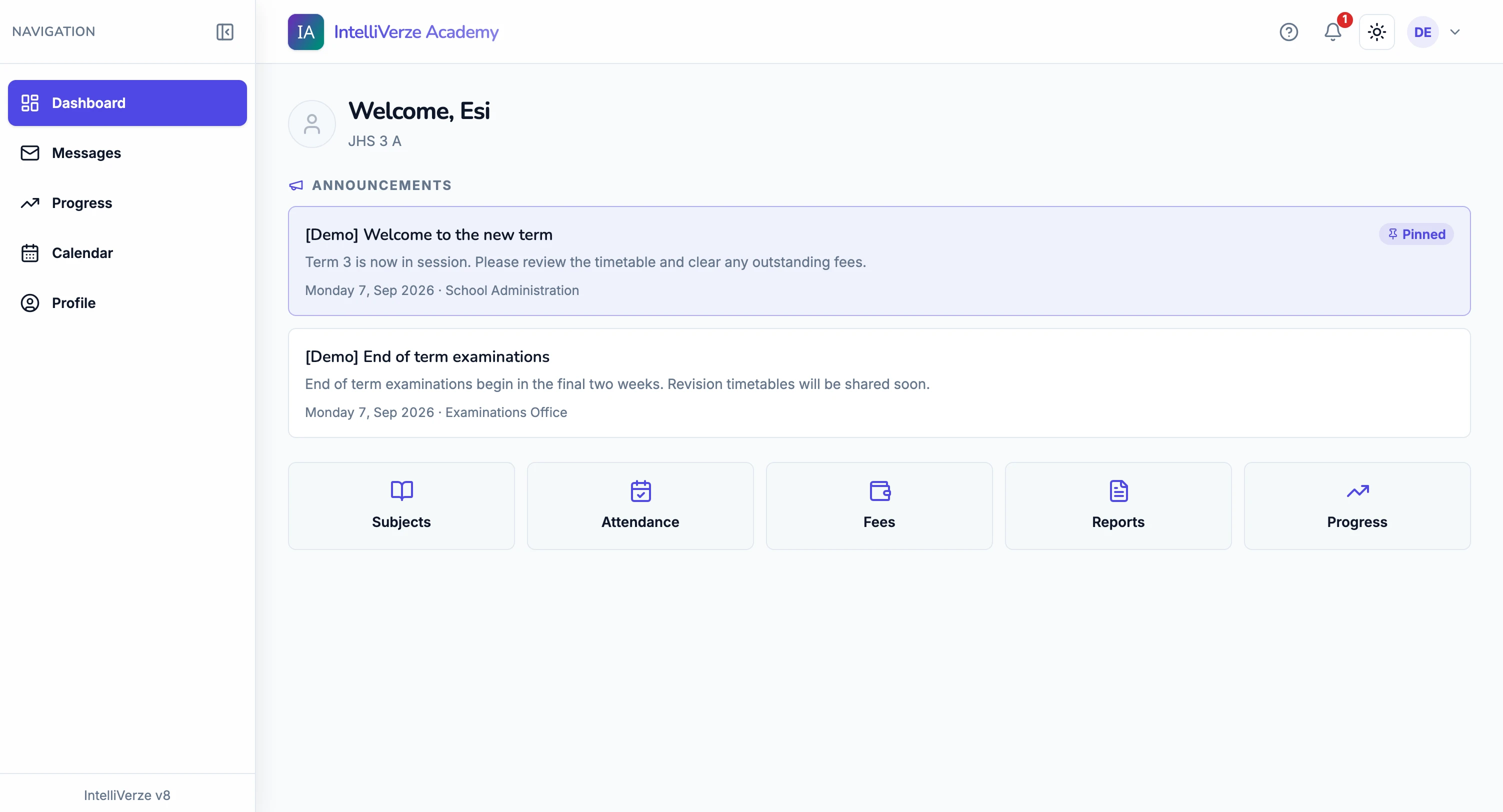
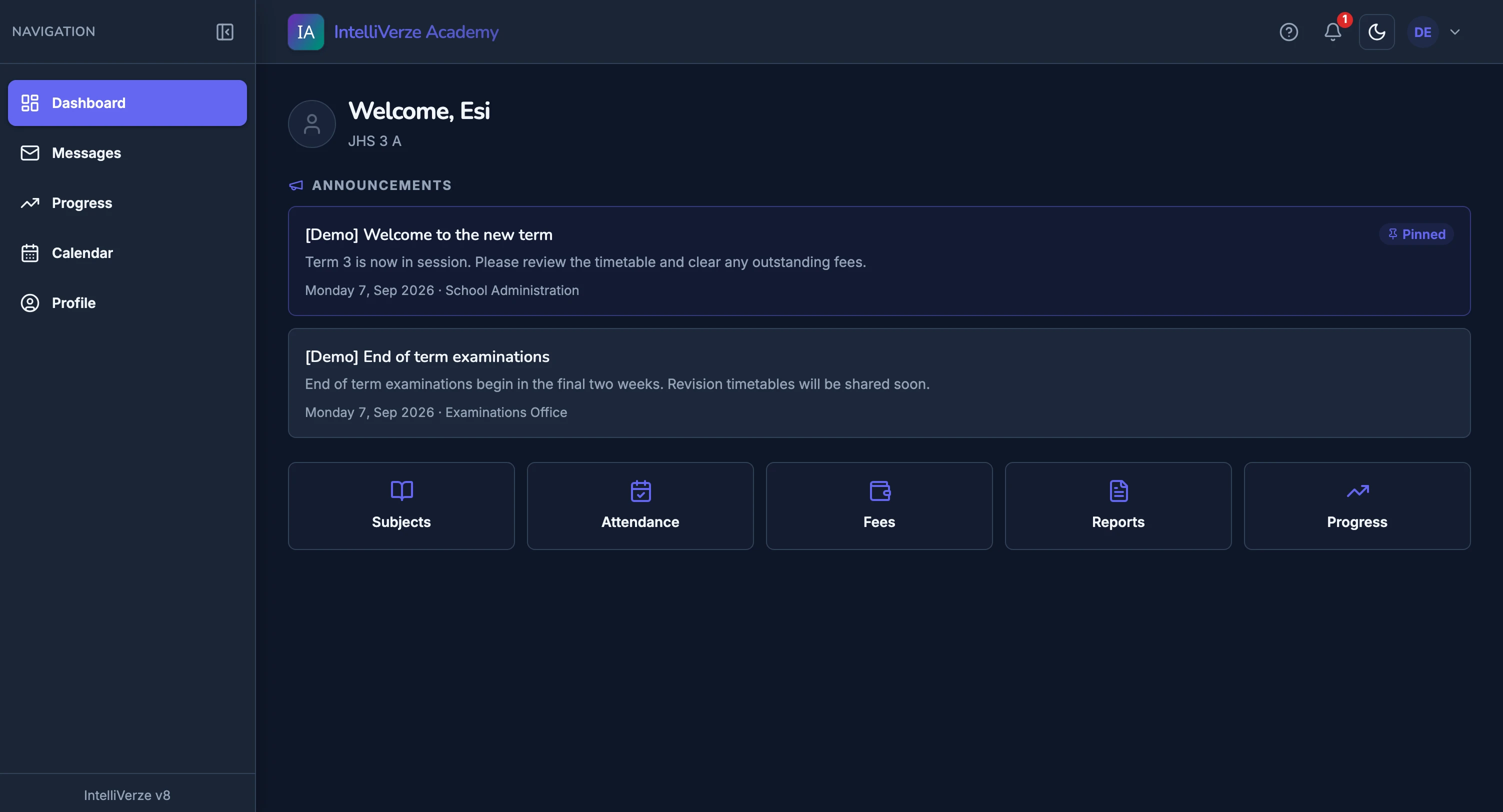
Student
School updates, released results and learning activities in one portal.
1 of 5, School Administrator
From the first lesson to the last report, give teachers, students and school staff a simpler way through the day.

Teaching & assessment
Set quizzes online and let objective questions mark themselves. Keep teacher review for written answers.
Less routine marking. More time to teach.

Student access
Give students one place to check released reports, fees, attendance and school announcements.
Their school day, within reach.

Classwork & resources
Keep learning materials, assignments and quizzes together in each class subject’s virtual classroom.
One place to pick up the lesson.

School finances
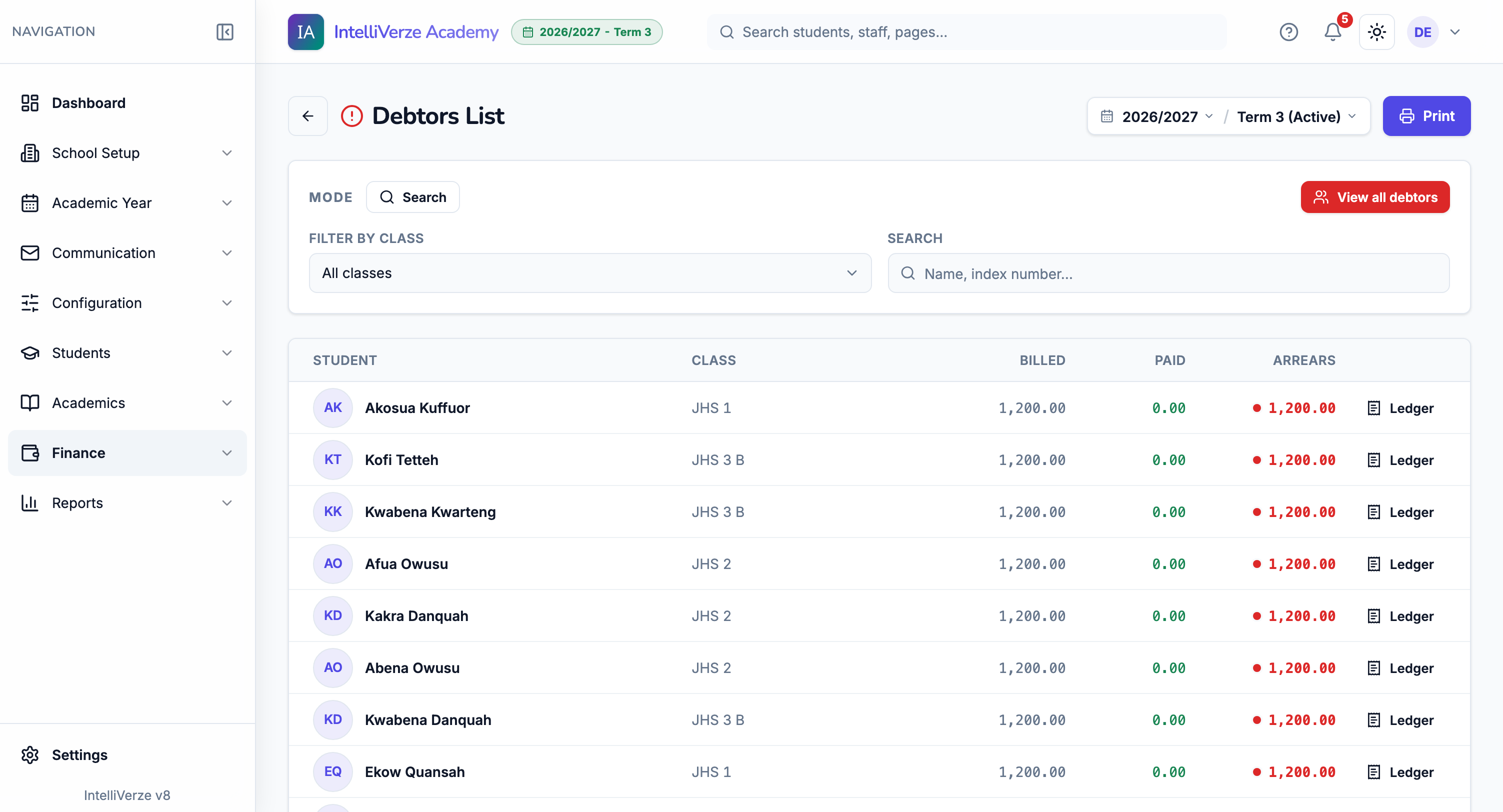
See each student’s bills, payments and remaining balance together, with a receipt for every recorded payment.
A clear answer for every balance.

End-of-term results
Turn recorded marks into report cards and class broadsheets, ready to review and print on your school’s letterhead.
Enter the marks. Bring the results together.

School communication
Publish announcements and send school messages from the same place your staff already work.
Keep the school in the loop.
Less time joining the dots. More time for your school.
Explore what’s includedThe same records follow the work from daily attendance and fees to results and the next term.
01 of 07 · The term at a glance
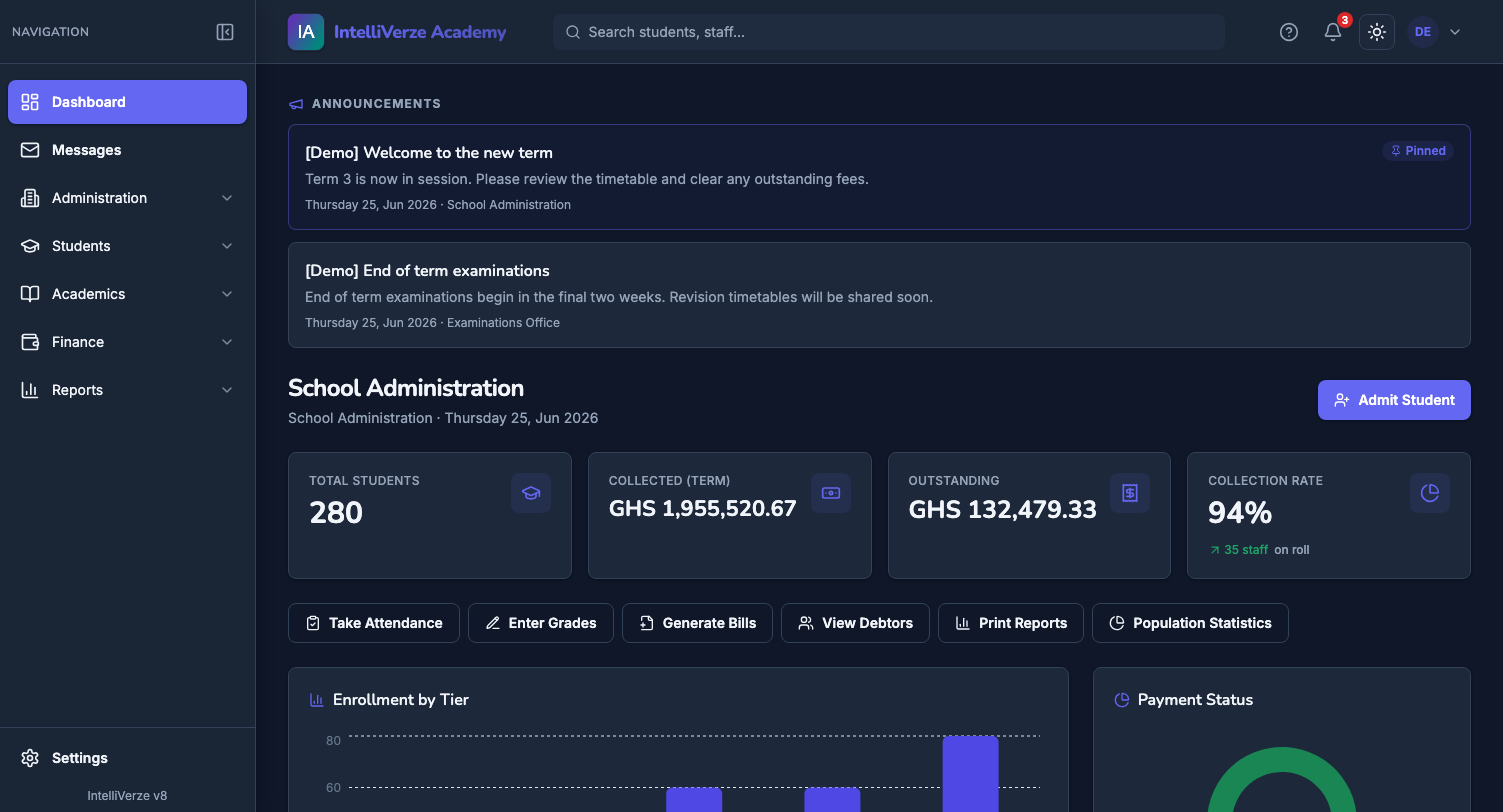
See the active term, school notices and the work that needs attention before the day gets busy.
02 of 07 · Fees
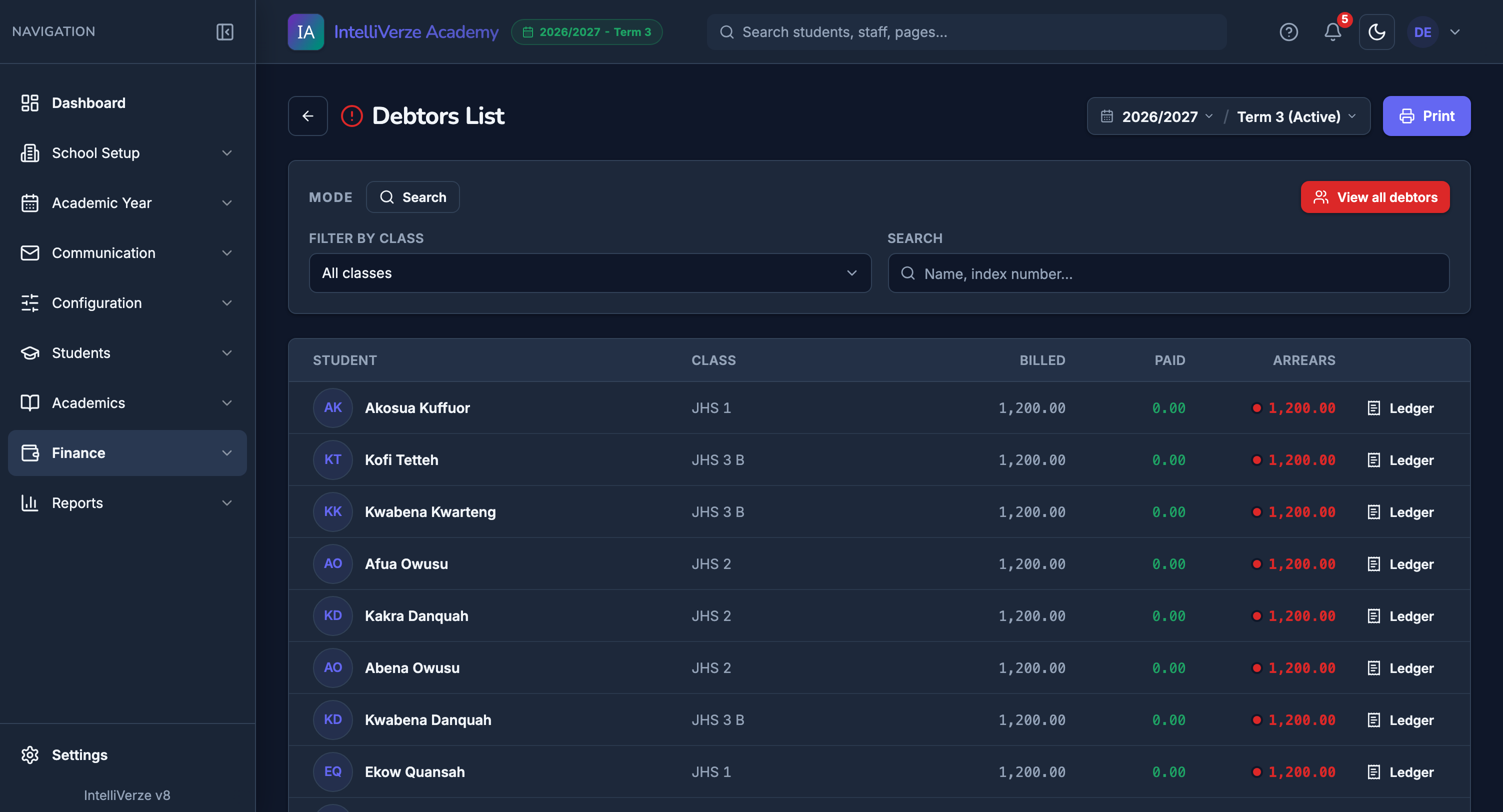
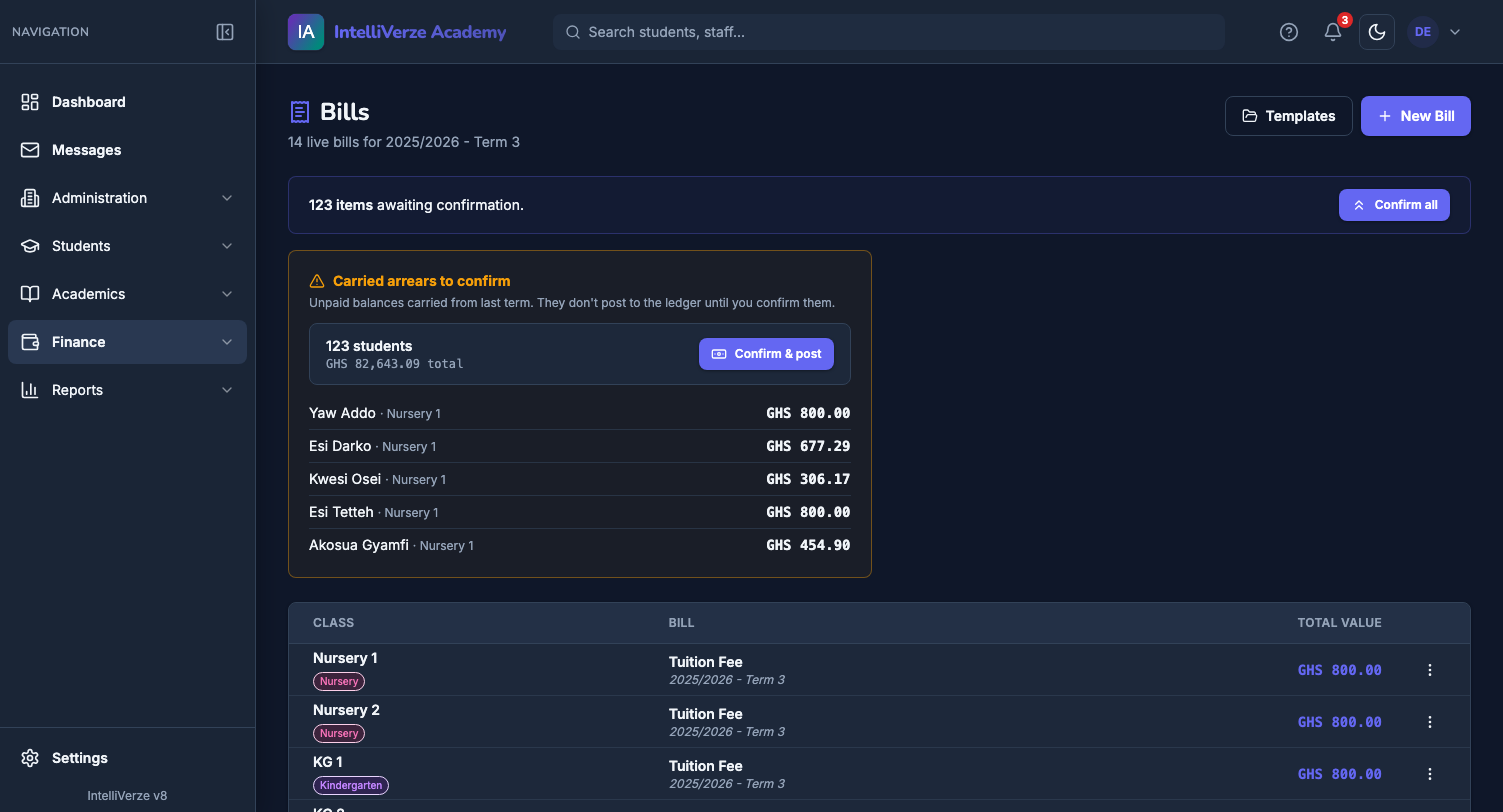
Open one list to see each student’s bill, payments and remaining balance for the term.
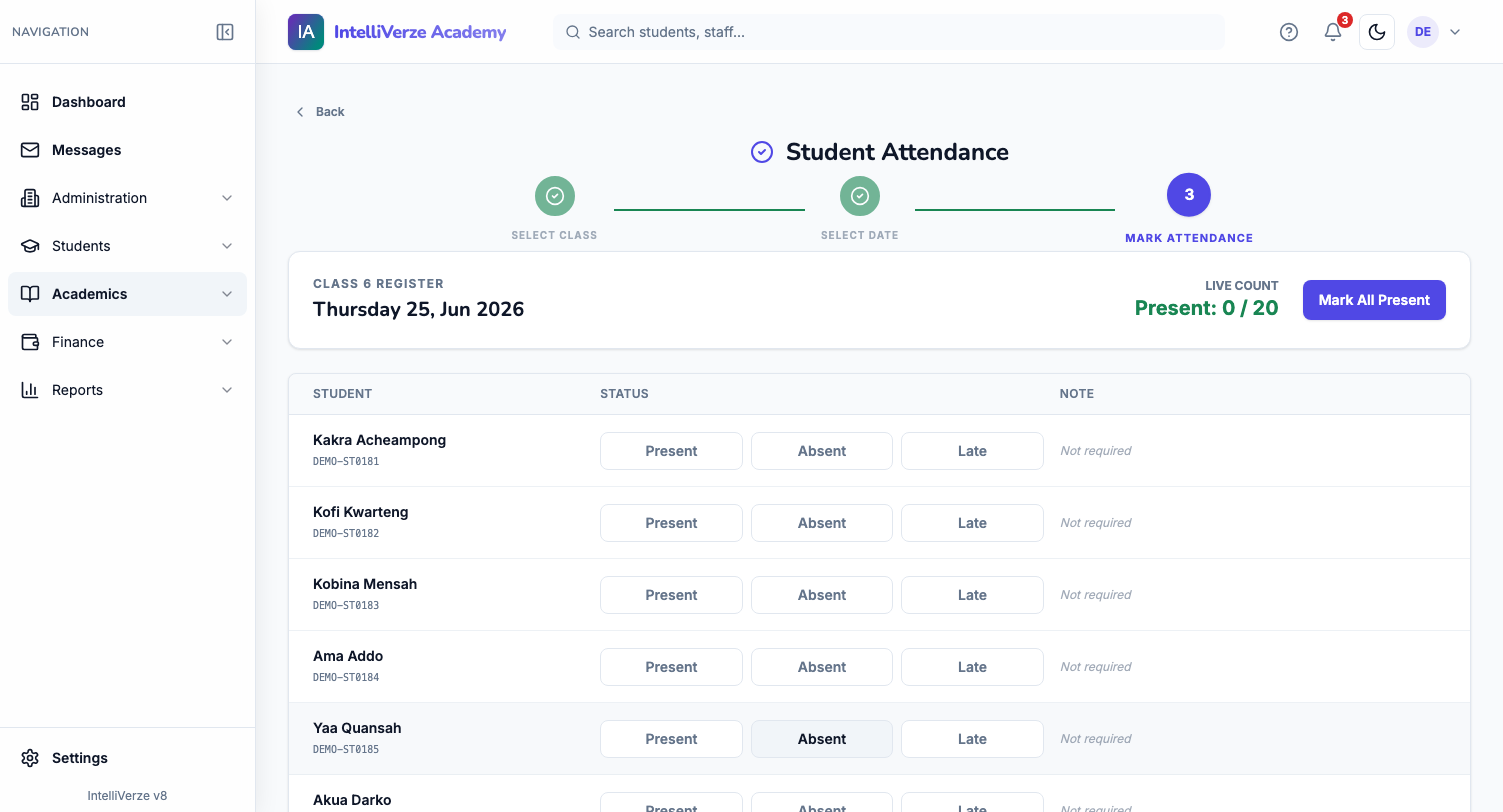
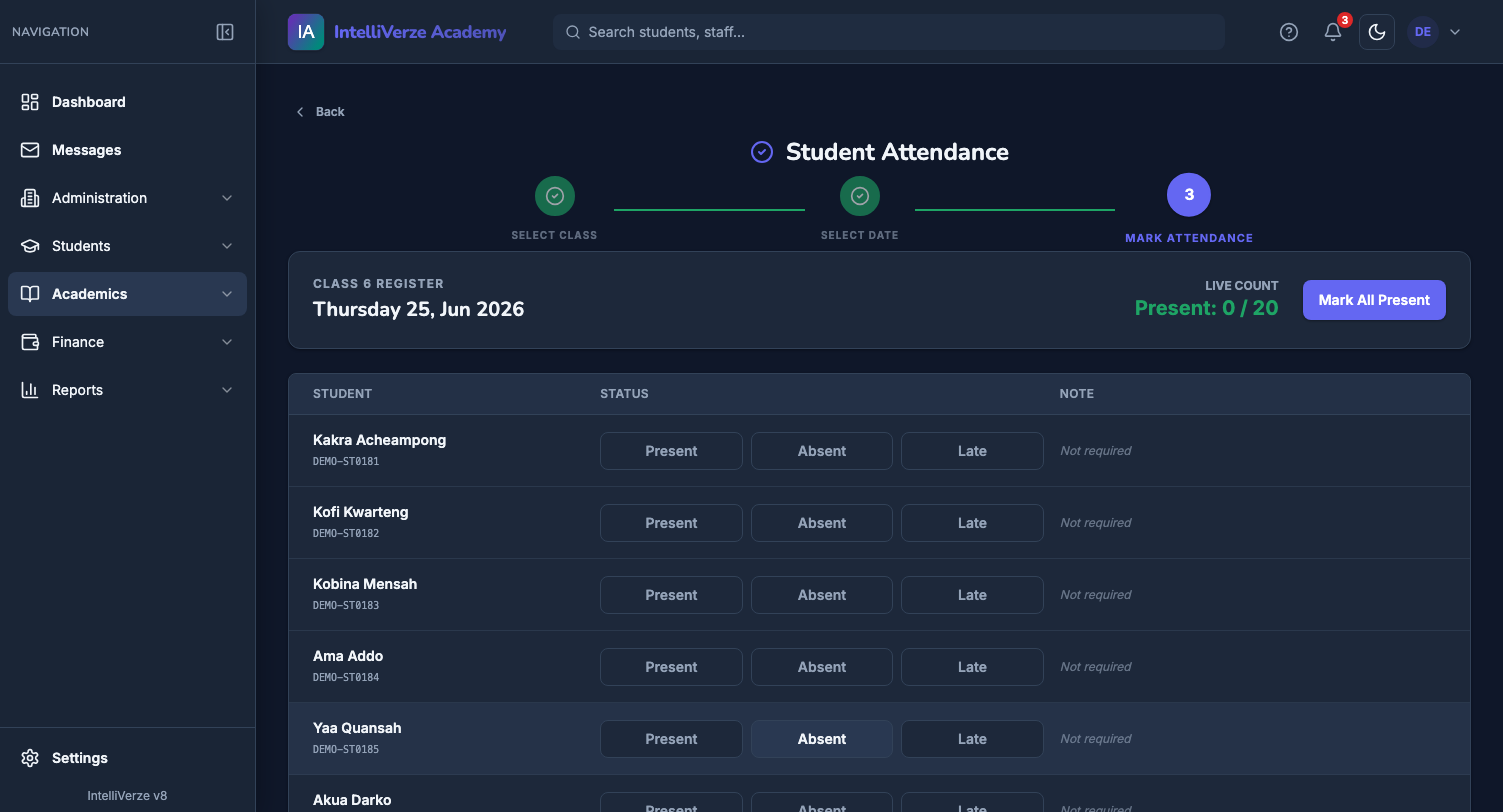
03 of 07 · Every school day
Choose the class and date, mark each student, and keep the full term’s attendance in one place.
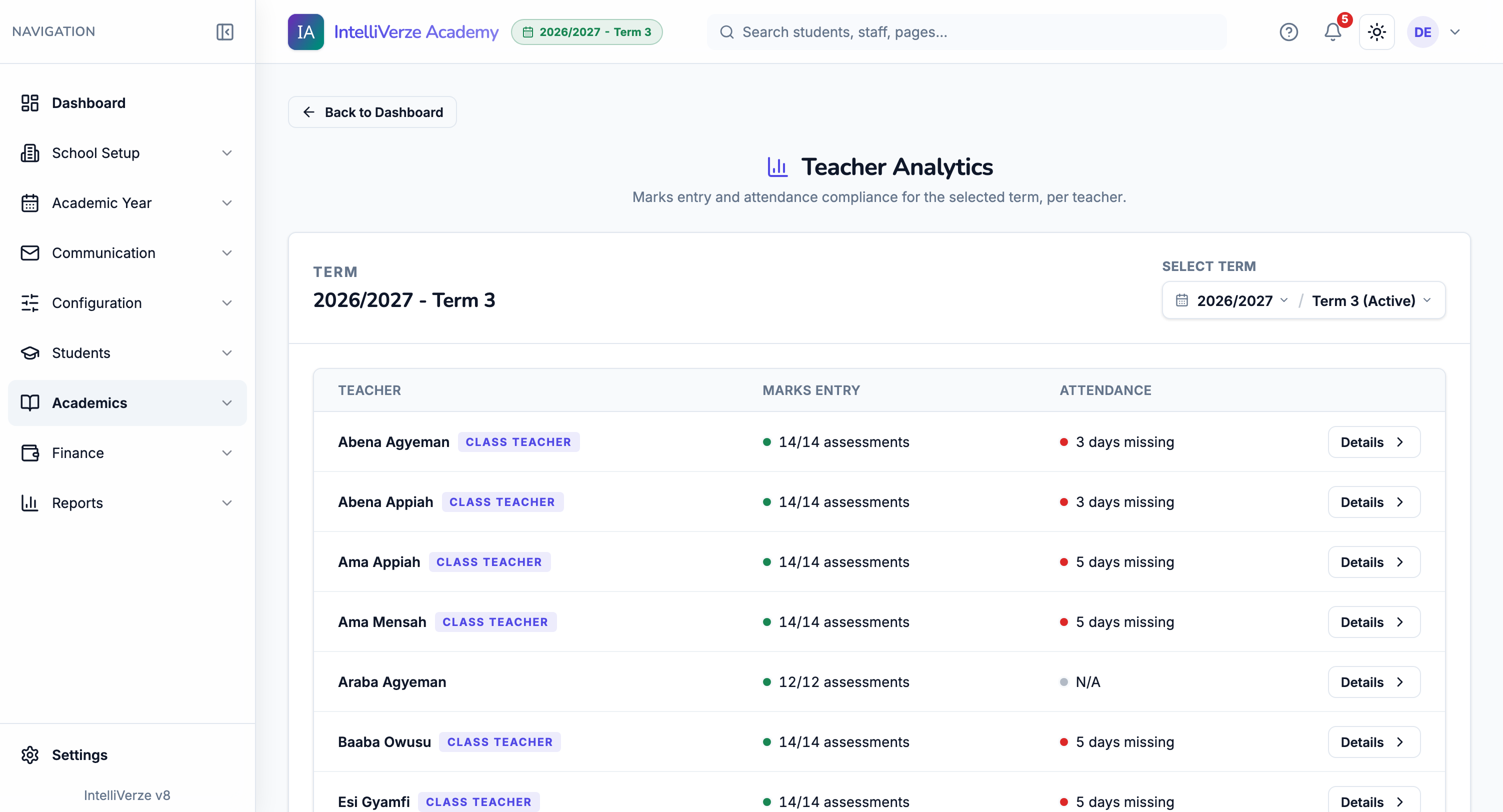
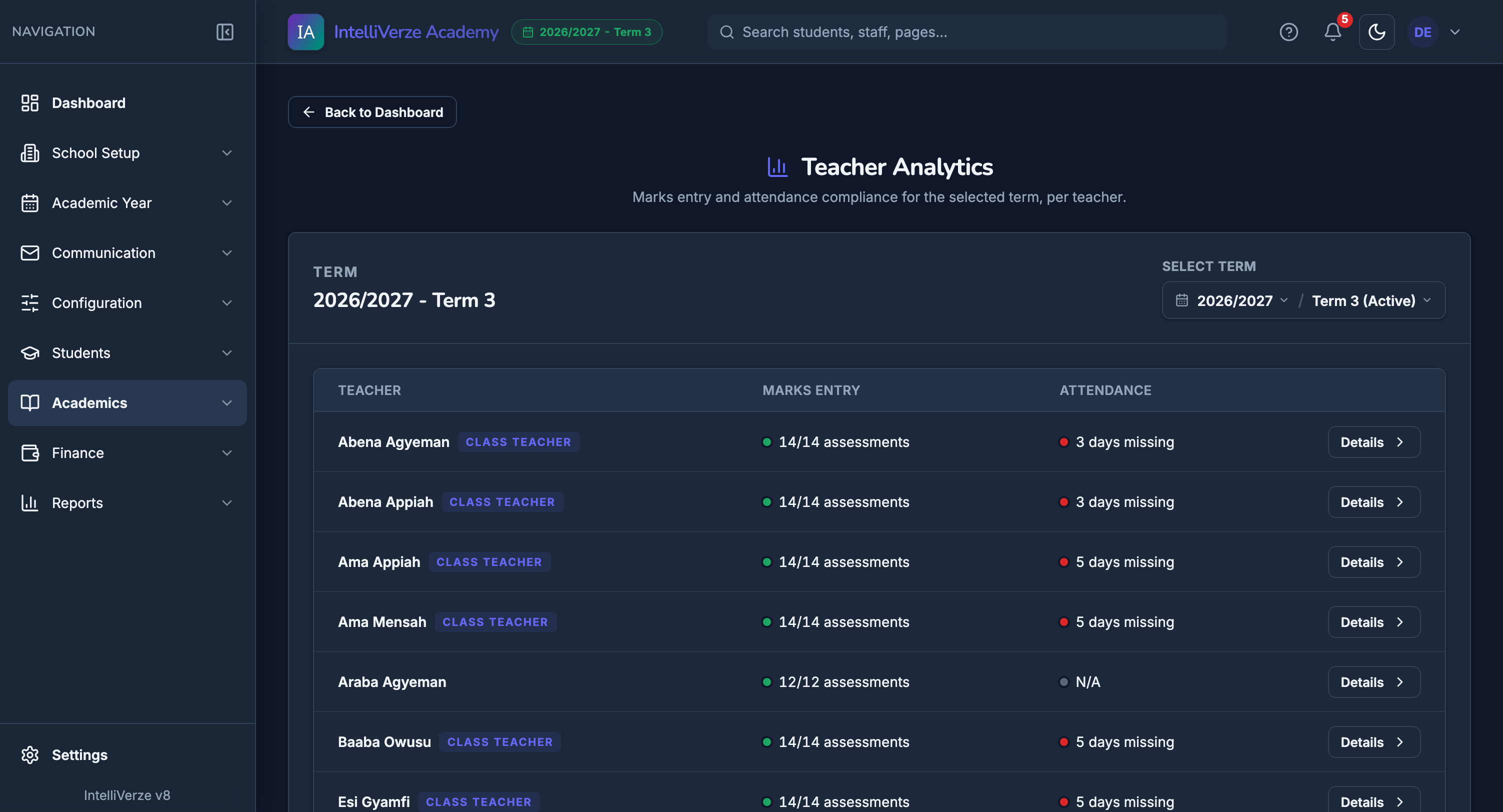
04 of 07 · Before deadlines
Check marks-entry and attendance progress by teacher, then follow up while there is still time.
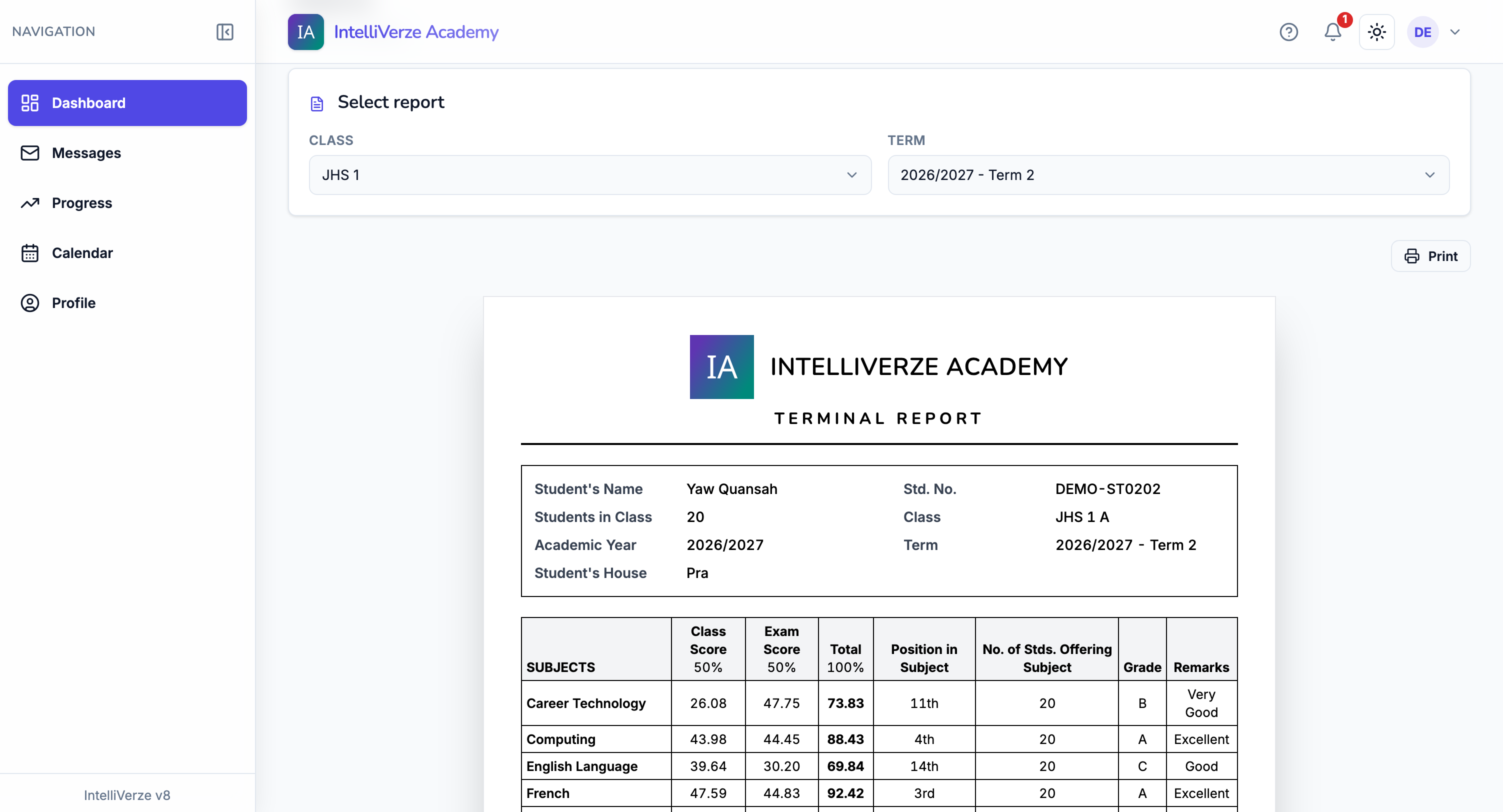
05 of 07 · Results
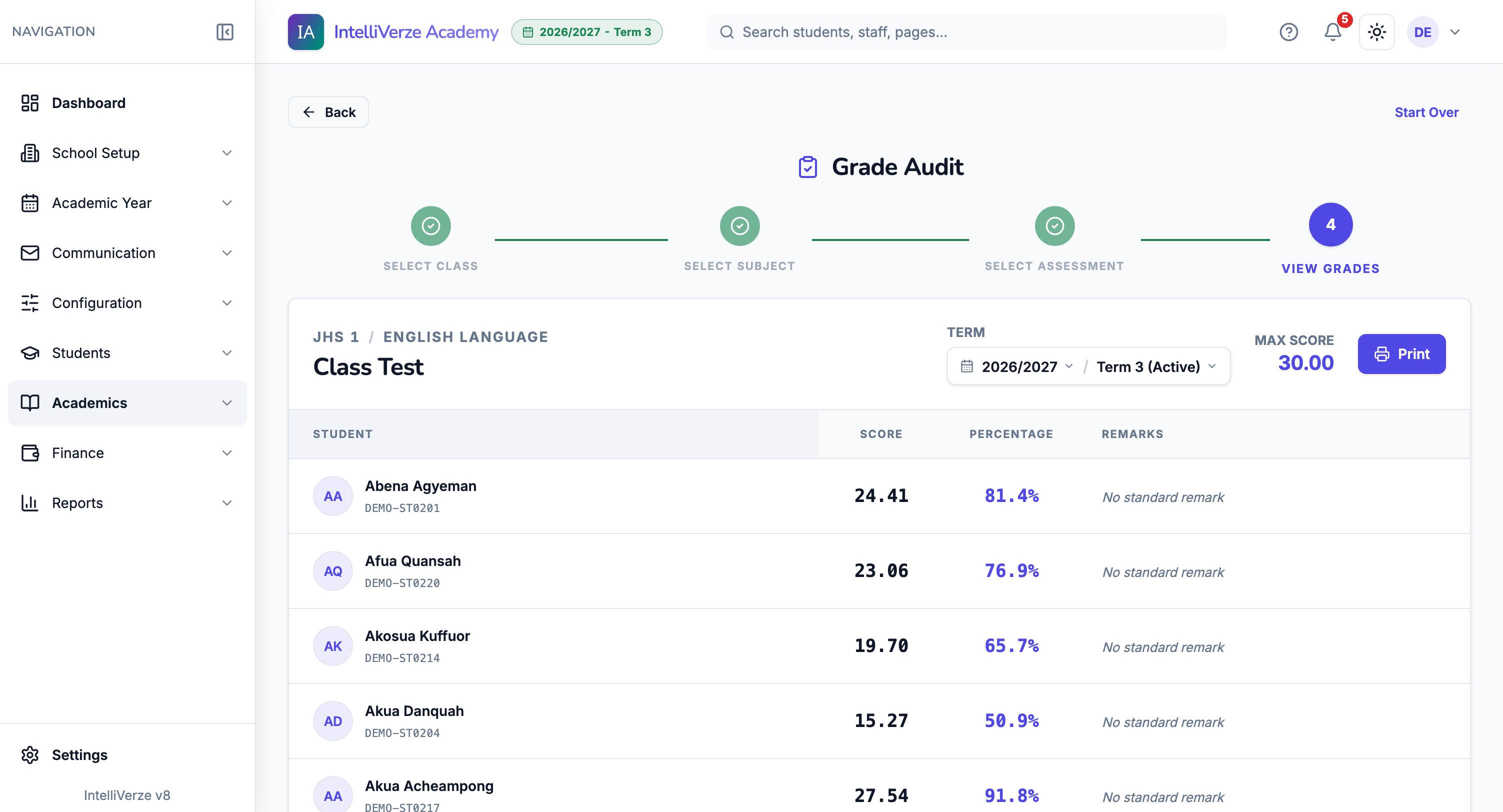
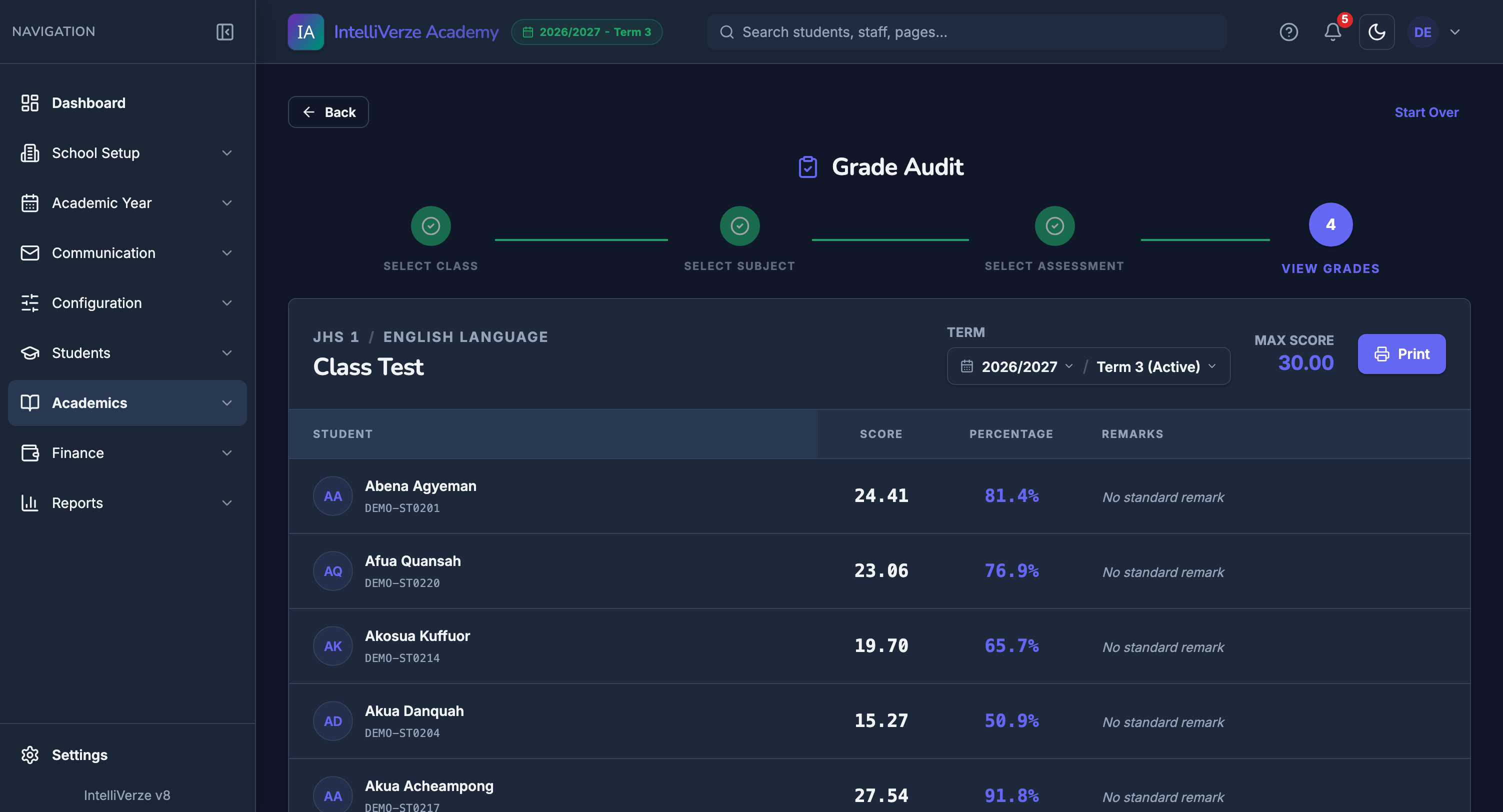
Teachers record scores against the school’s assessments and grade scale.
05 of 07 · Results
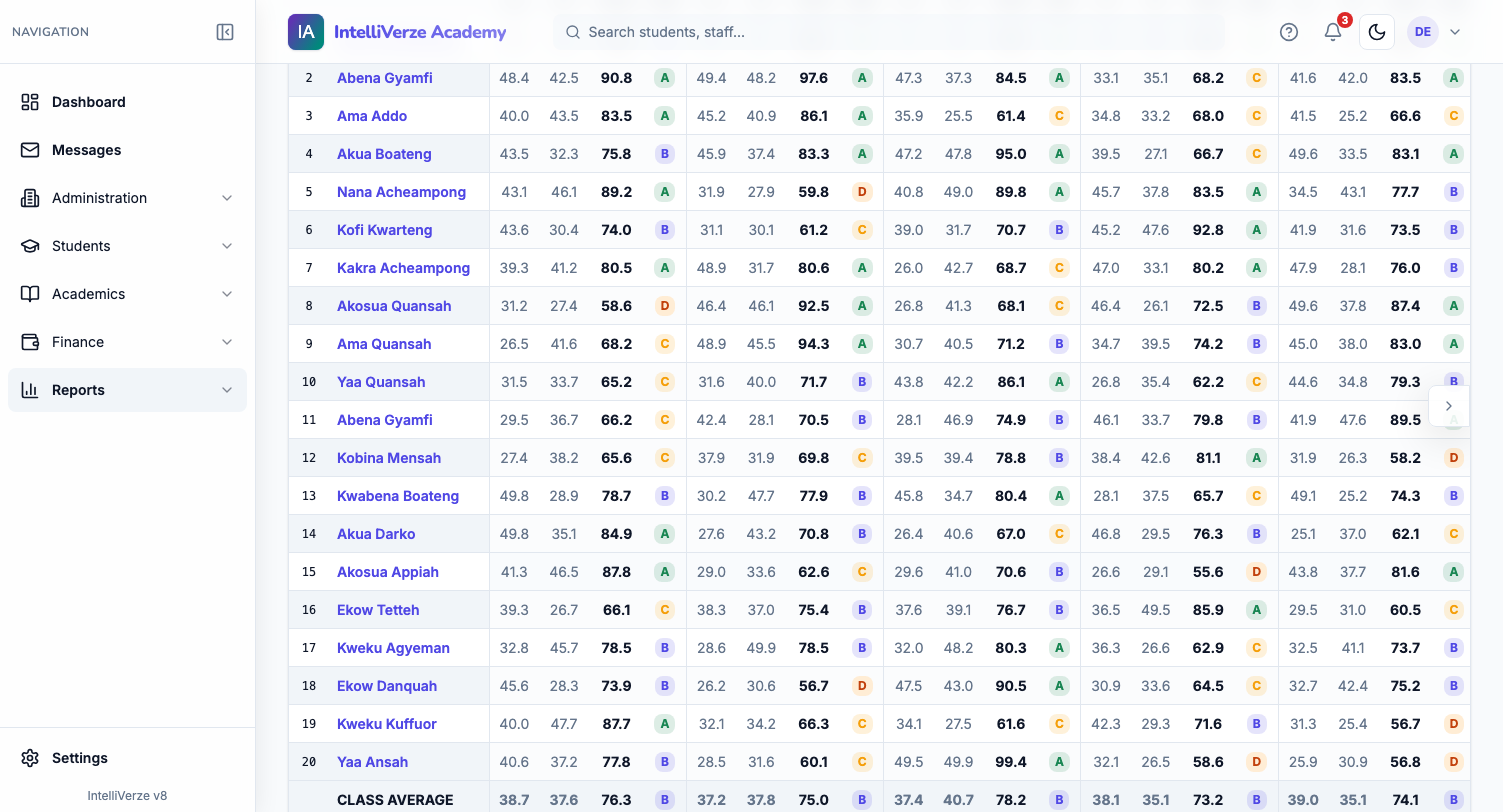
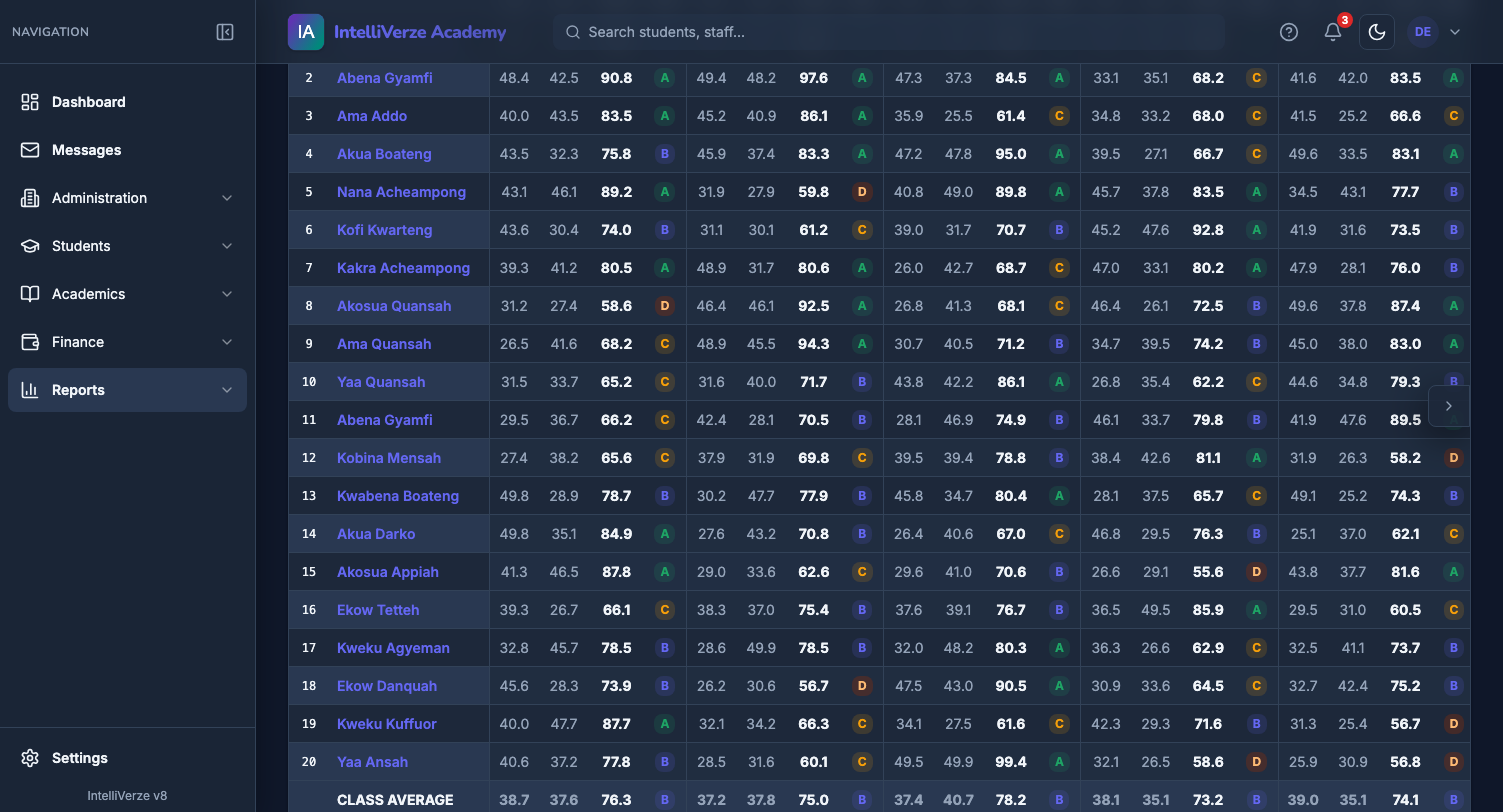
The broadsheet brings totals and grades together so leadership can check the term’s results clearly.
06 of 07 · Released to students
Each student sees only their own released report inside the school portal.
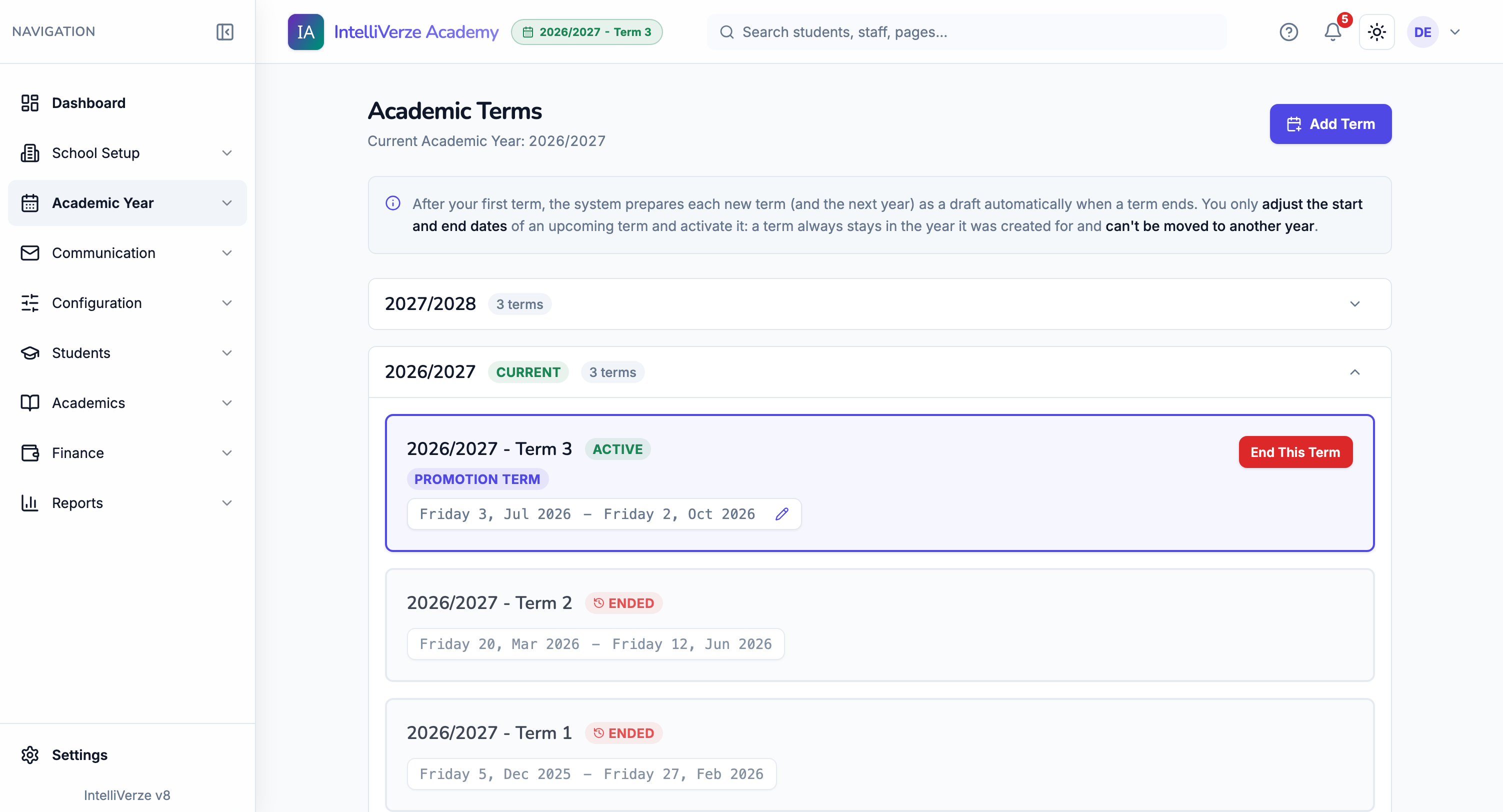
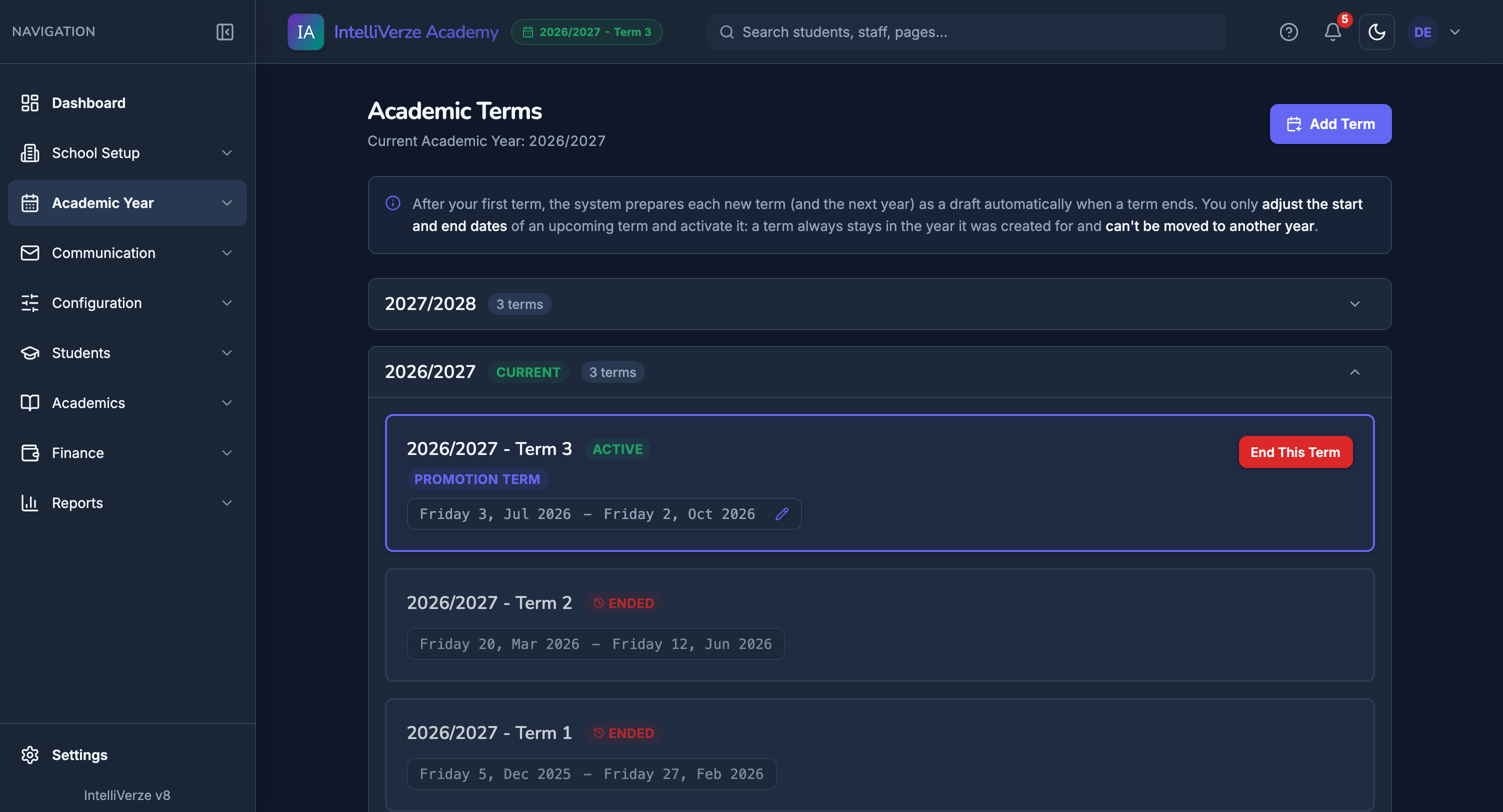
07 of 07 · The next term
Check the upcoming term and confirm the dates before the school moves forward.
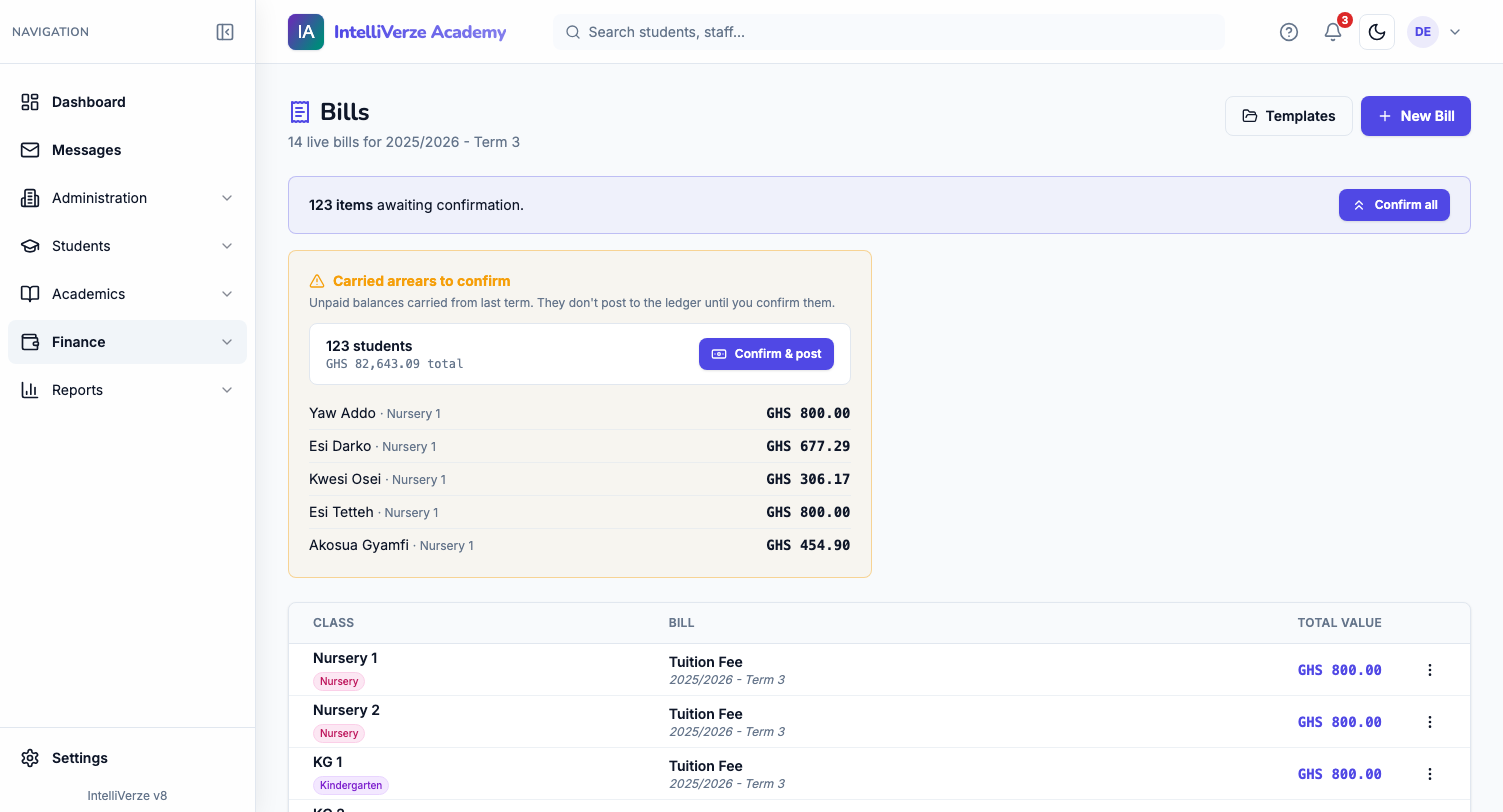
07 of 07 · The next term
Prepared fee items and unpaid balances remain visible for the administrator to confirm.
Not a system bent to fit a school, but one shaped around how the term already works.
Bills, payments and balances are exact figures, to the pesewa. The debtor list and the day-end report reconcile themselves.
One school holds every tier, each with its own classes and grade scales. The youngest tier is labelled "KG" in the system, not numbered like the others.
Report cards, broadsheets and receipts carry your school’s name and crest, ready to hand out.
Your school’s data is its own. No other school, and no other school’s staff, can ever see a single record of yours.
Fees, marks and family details are sensitive by nature, and locked down by role.
Fees, marks and family details are kept private, and reachable only by the people you allow.
A cashier sees fees, a teacher sees classes and marks, and everyone works in the view they need.
Payments and key changes are kept on record, so when a question comes up, there is always an answer.
Accounts are protected, and access can be removed the moment one is lost. You decide who gets in.
Passwords are protected with strong security practices and are never shown to anyone.
The system is built to stop unsafe sign-ins before they reach a school account.
If your school continues after the free period, pricing is per student each term.
The things schools ask us most, before they come on board.
We load your classes, school levels, houses and fee structure with you. Most schools are ready to begin within a few days, not weeks.
No. IntelliVerze runs in the browser, on the computers and phones you already have. Teachers can mark attendance from a phone.
Bring them as they are. We help you import your students, classes and fee structure, so nothing is keyed in twice.
Yes. A cashier works with fees, a teacher works with classes and marks, and private records stay protected.
Yes. Set up KG, primary and JHS, with the classes and grading system used by each level.
No. Your school records stay private and are not available to another school or its staff.
Yes. Each student’s bill, payment and balance is kept together, and the debtor list and payment reports update from those records.
The next term is prepared as a draft and last term’s fee bills are carried forward for you to check. Unpaid balances can move forward. At the end of the school year, the new year is prepared with the relevant class subjects and timetable, and you review promotions and repeats before it starts.
Yes. Report cards, broadsheets and receipts can carry your school name and crest and are ready to print on your letterhead.
Yes. The student portal can show released reports, fees, announcements, attendance, assignments and progress without opening the school admin pages.
Registration is free for 14 days. Use that time to set up and try the system. After the 14 days, you pay per student each term when you continue using it for live school records.
Bring your entire school’s operations into focus today.